Home Mockups Tech Windows 99
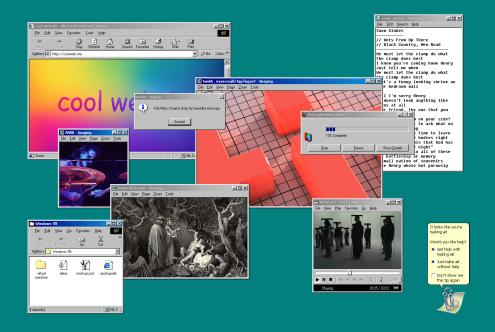
Layered browser windows, image viewers, gradient background, video player open
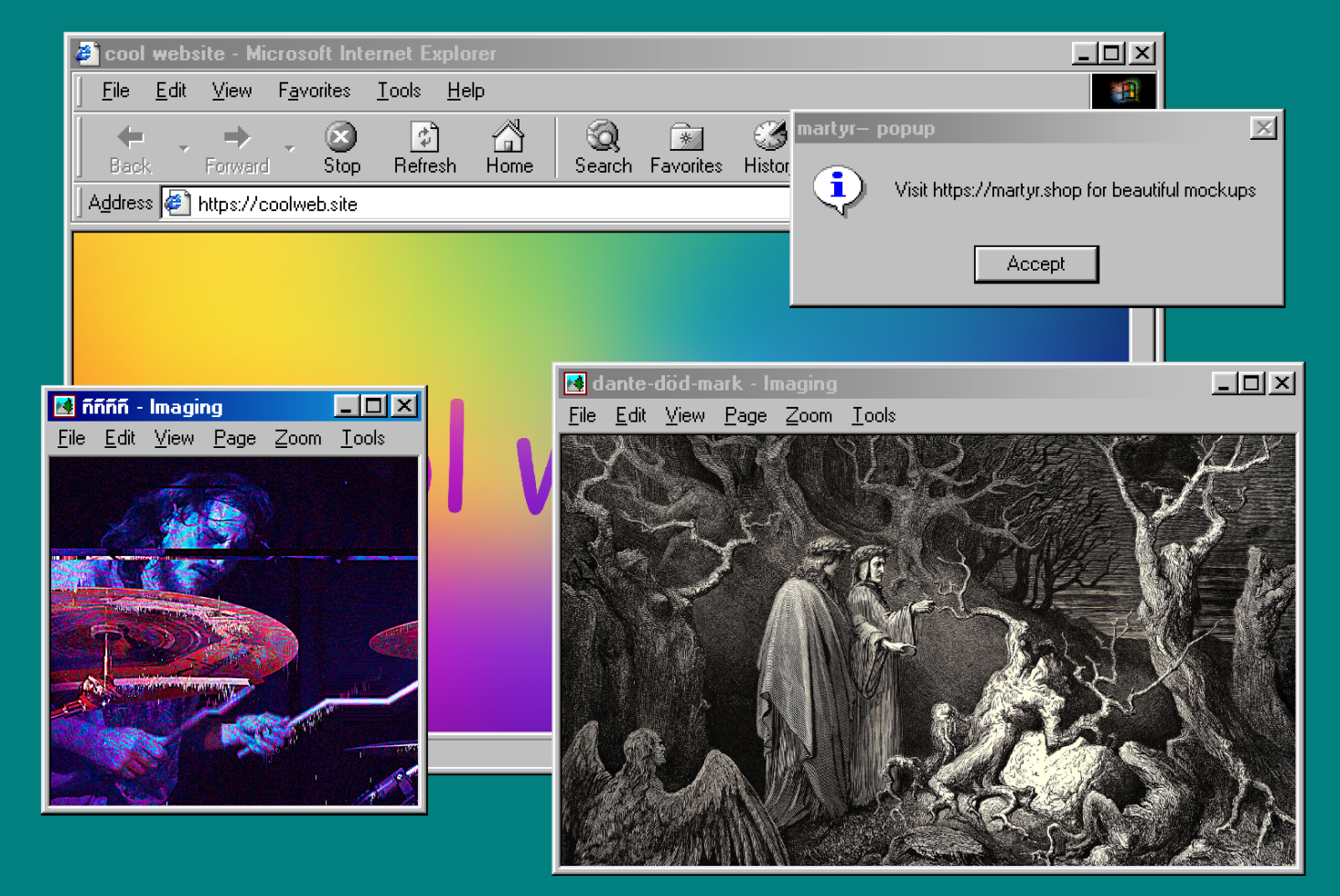
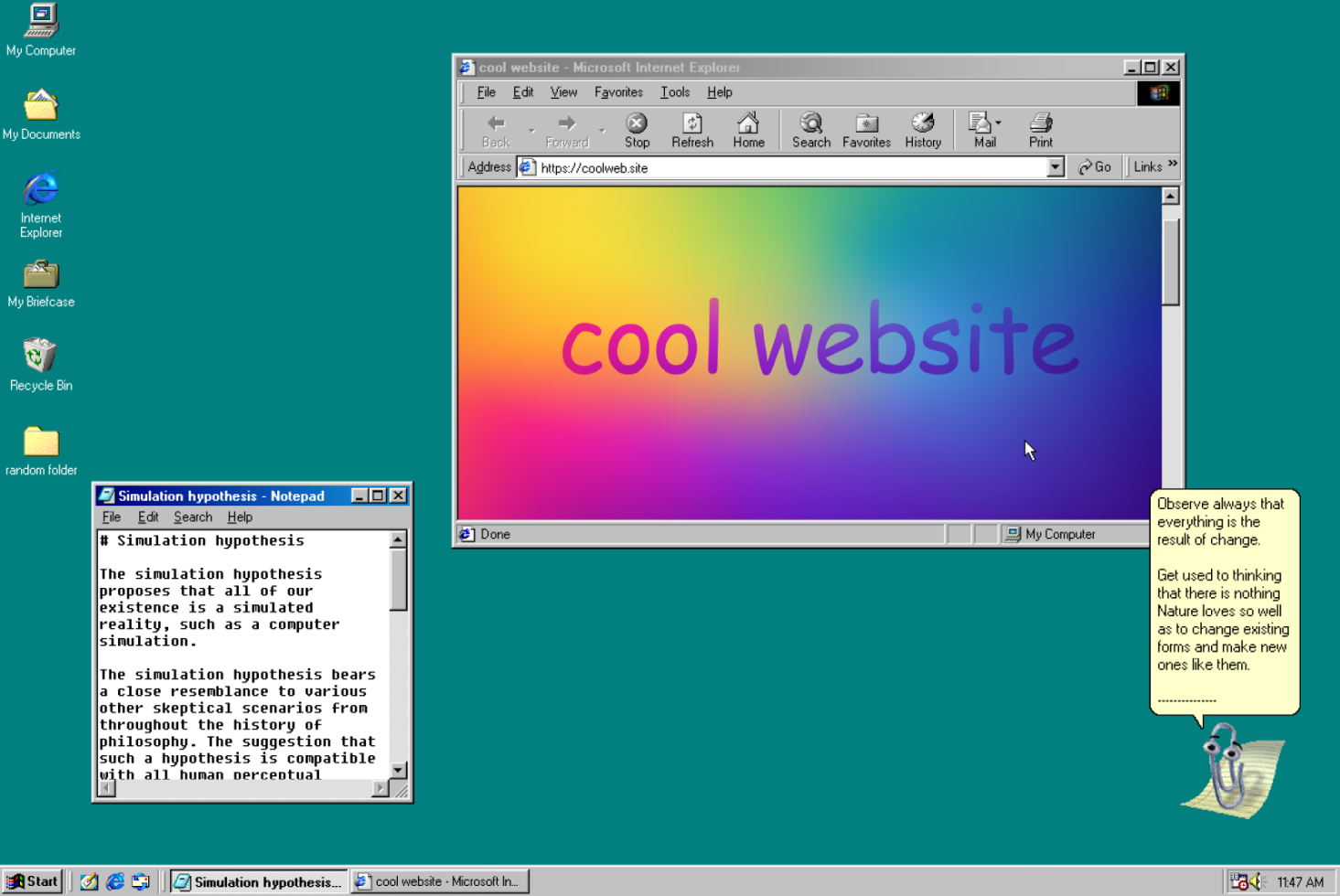
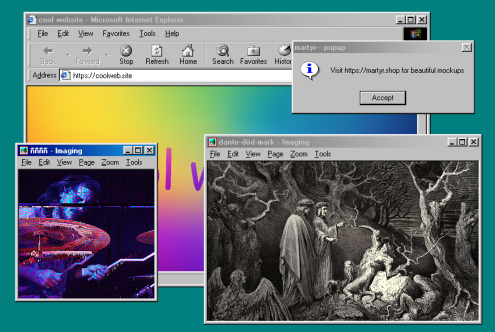
Internet Explorer window with gradient, image viewers showing abstract art, engraving
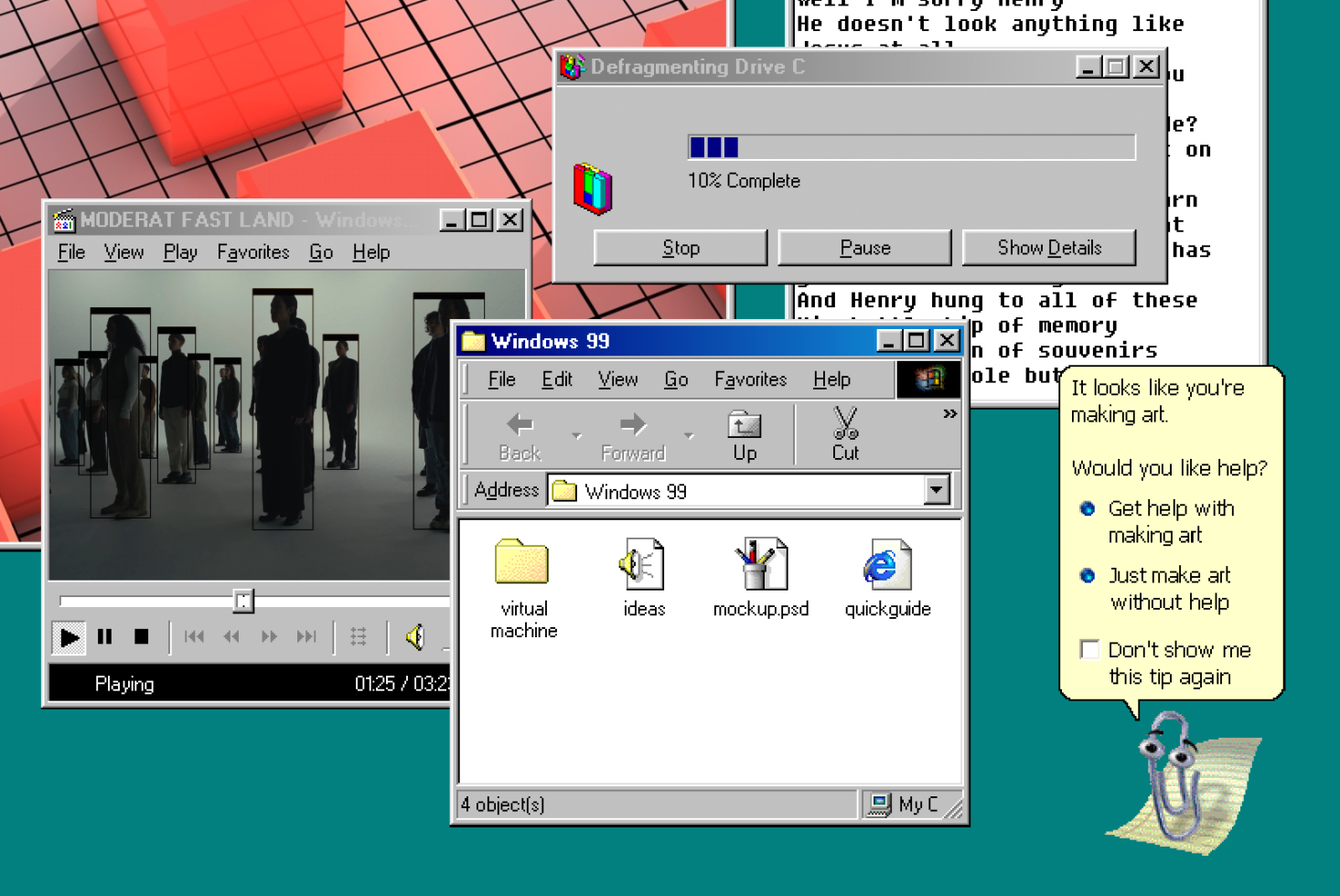
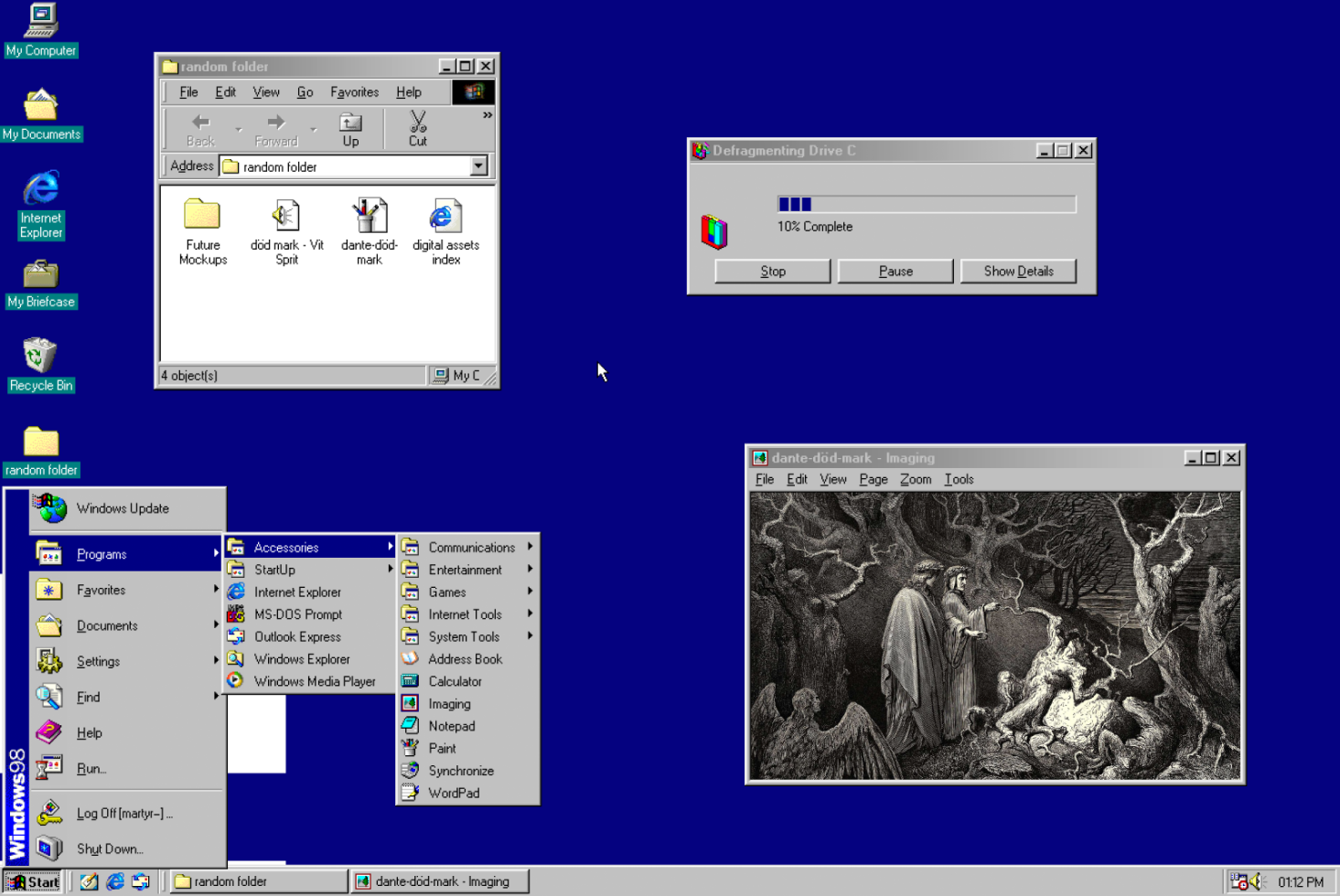
Windows 99 desktop with video player, file browser, drive defragment dialog, helper tip
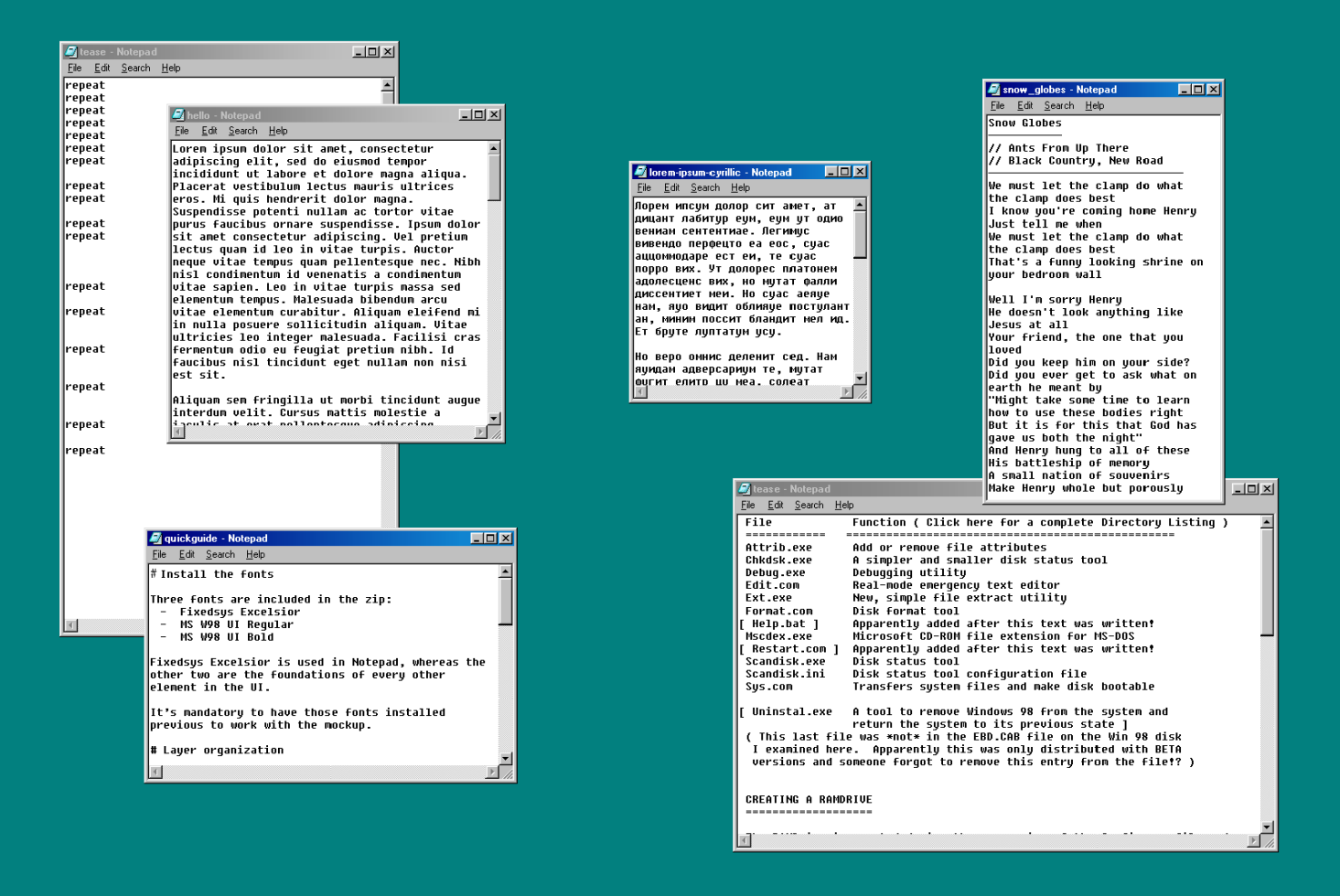
Stacked 90s Notepad windows displaying repeated text, lorem ipsum, code samples
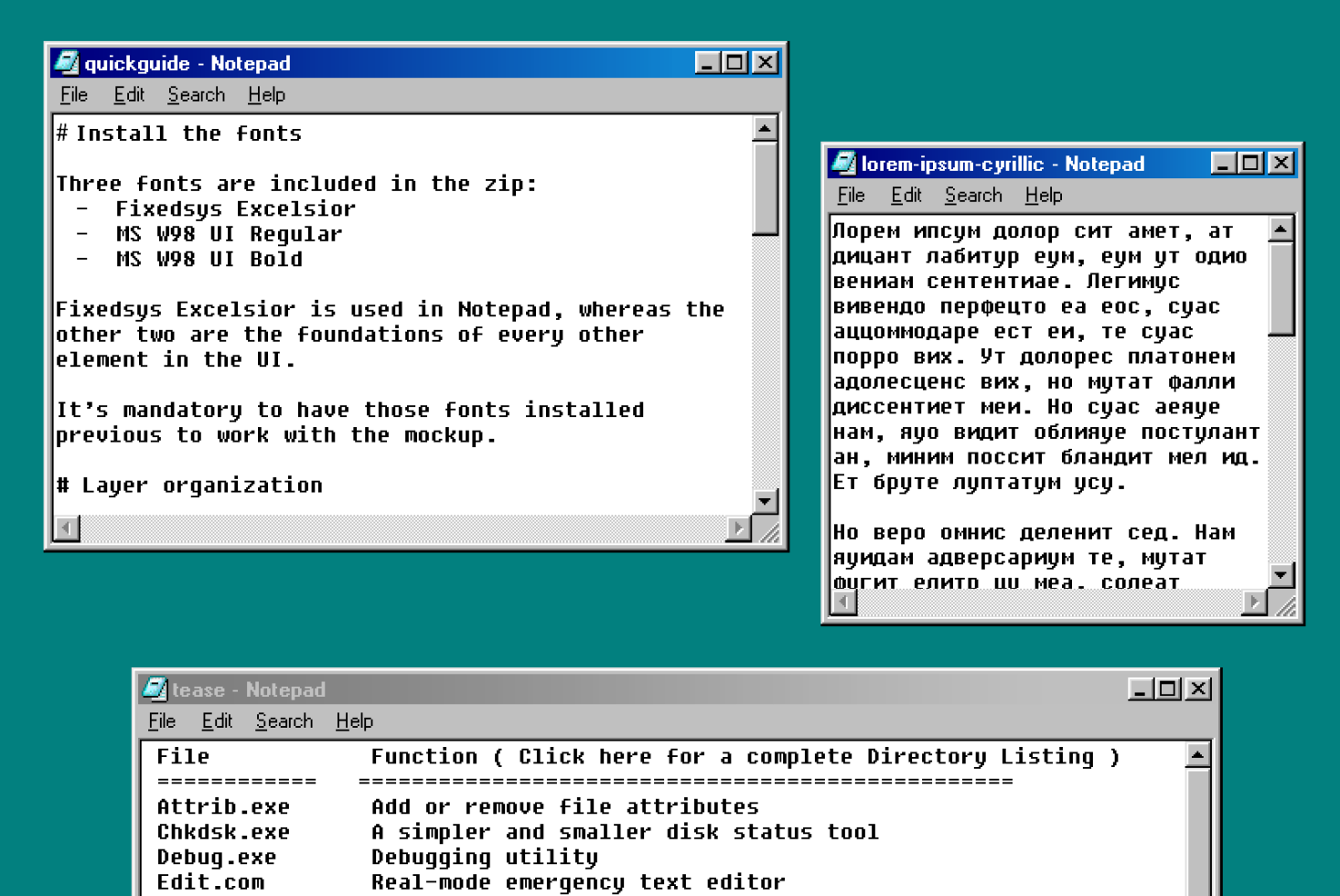
Retro Notepad windows with font installation guides, lorem ipsum, Cyrillic text
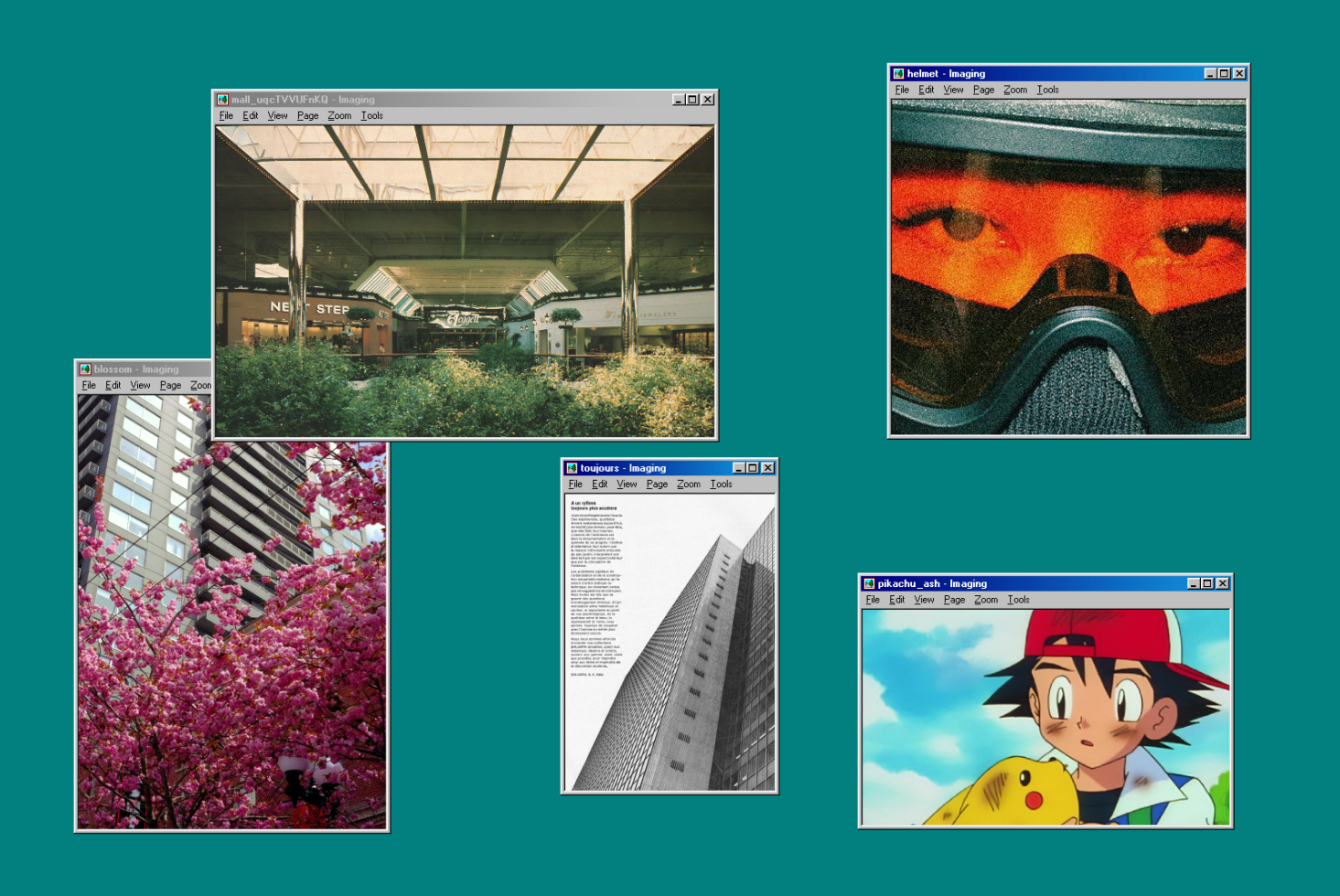
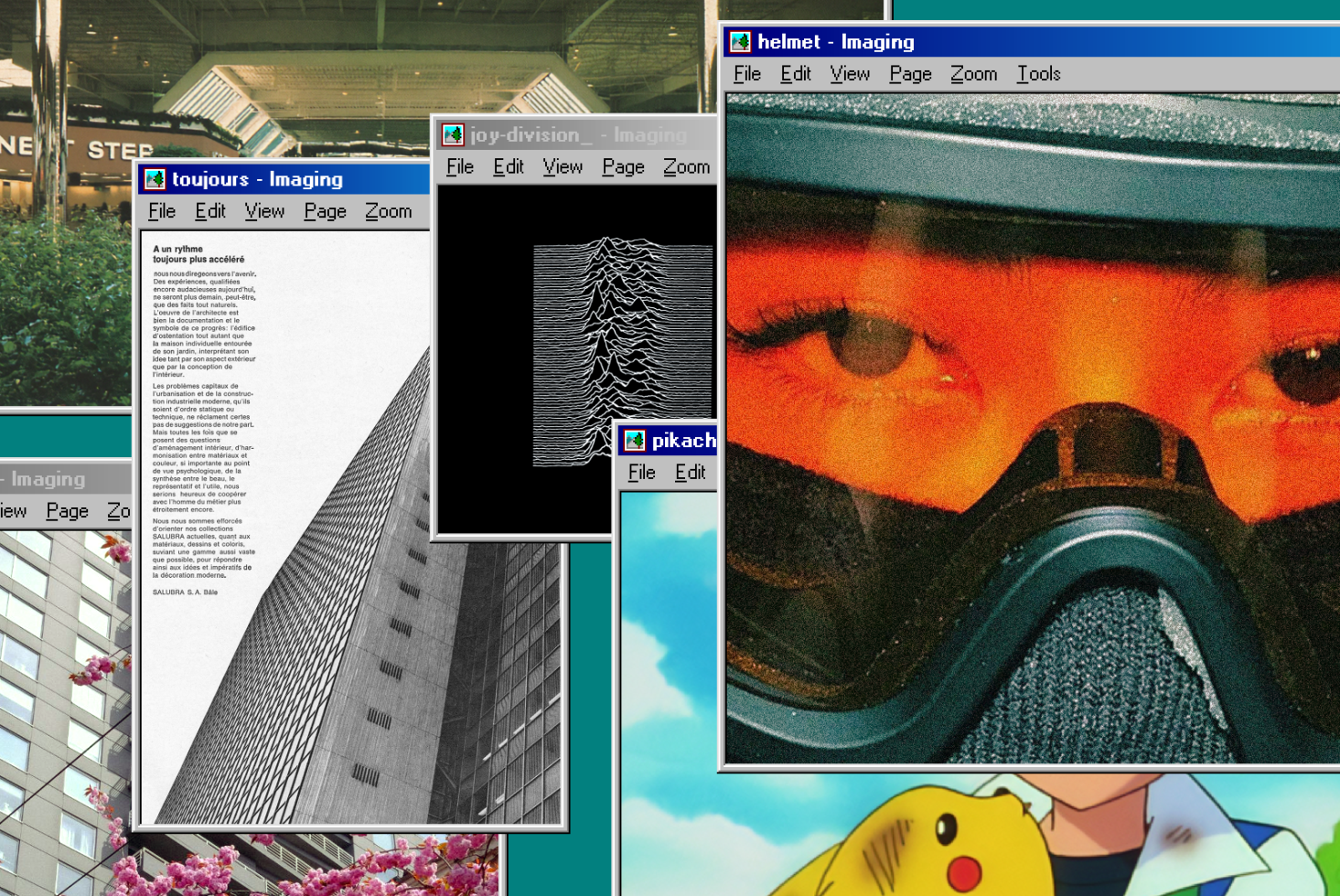
Multiple stacked image viewer windows with photos of buildings, eyes, flowers on teal
Overlapping browser windows showing architecture photos, text documents, helmet close-up
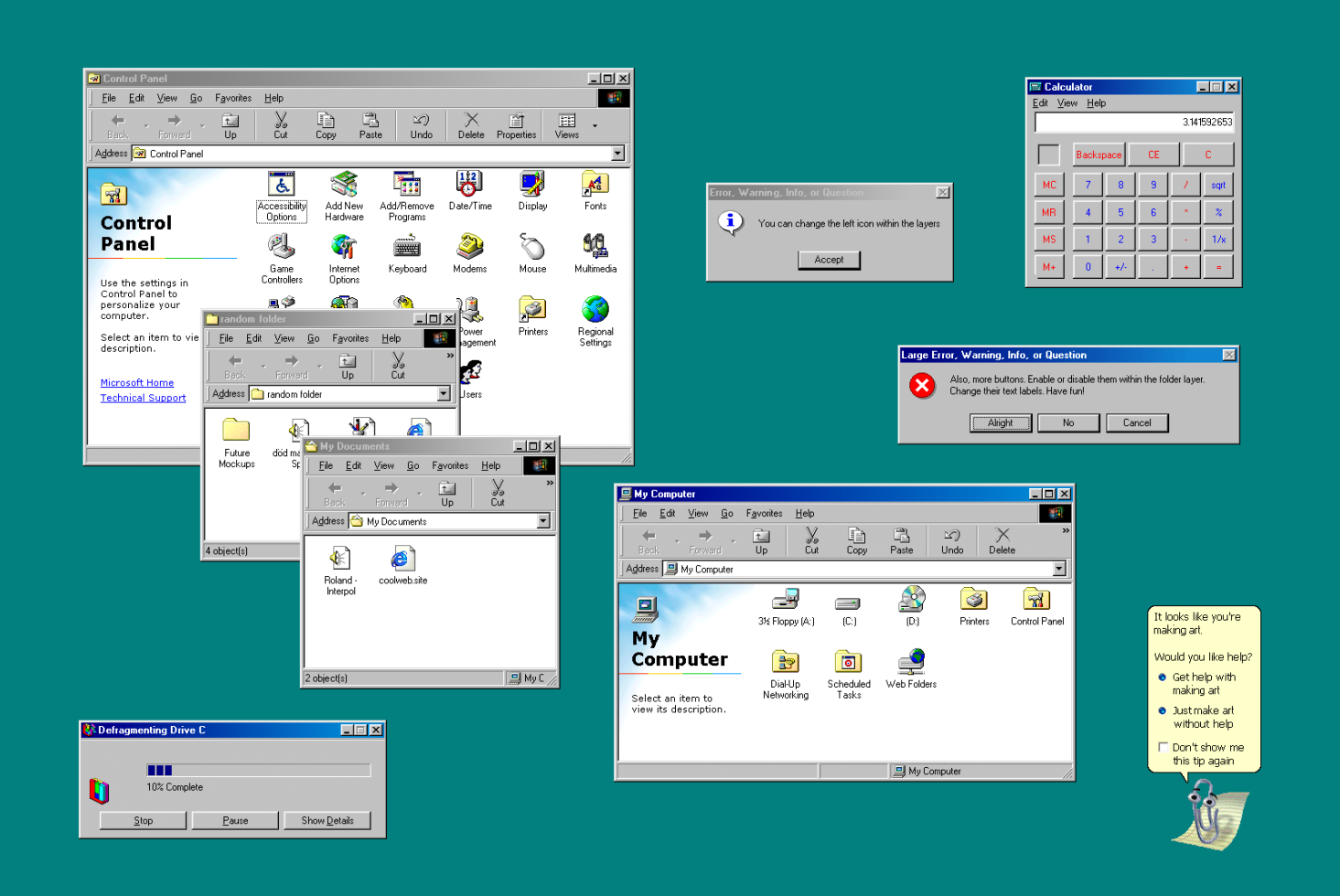
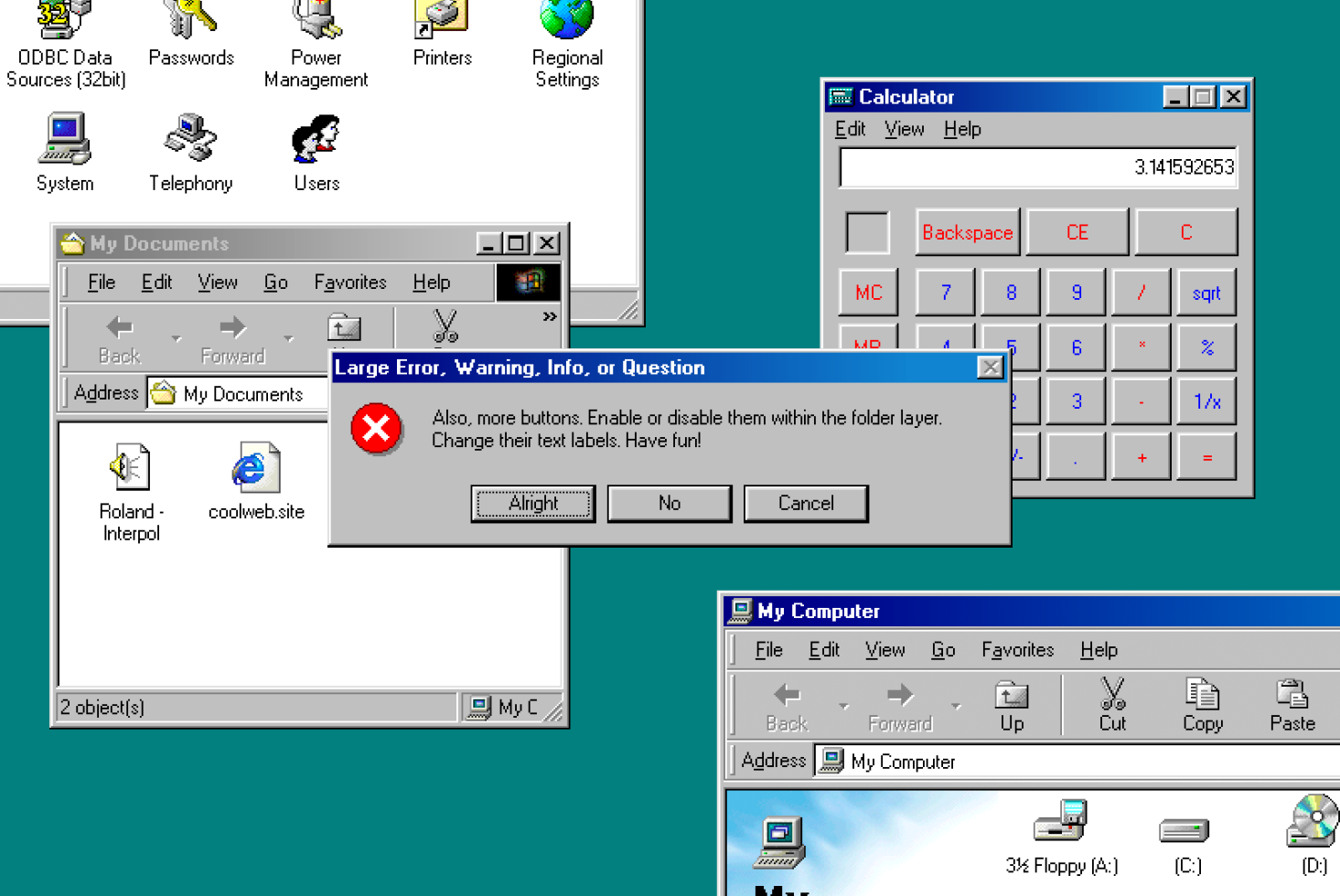
Retro OS interface with Control Panel window, nested file browser, calculator, error dialog boxes
Windows 98 desktop with overlapping windows showing calculator, My Documents folder, control icons
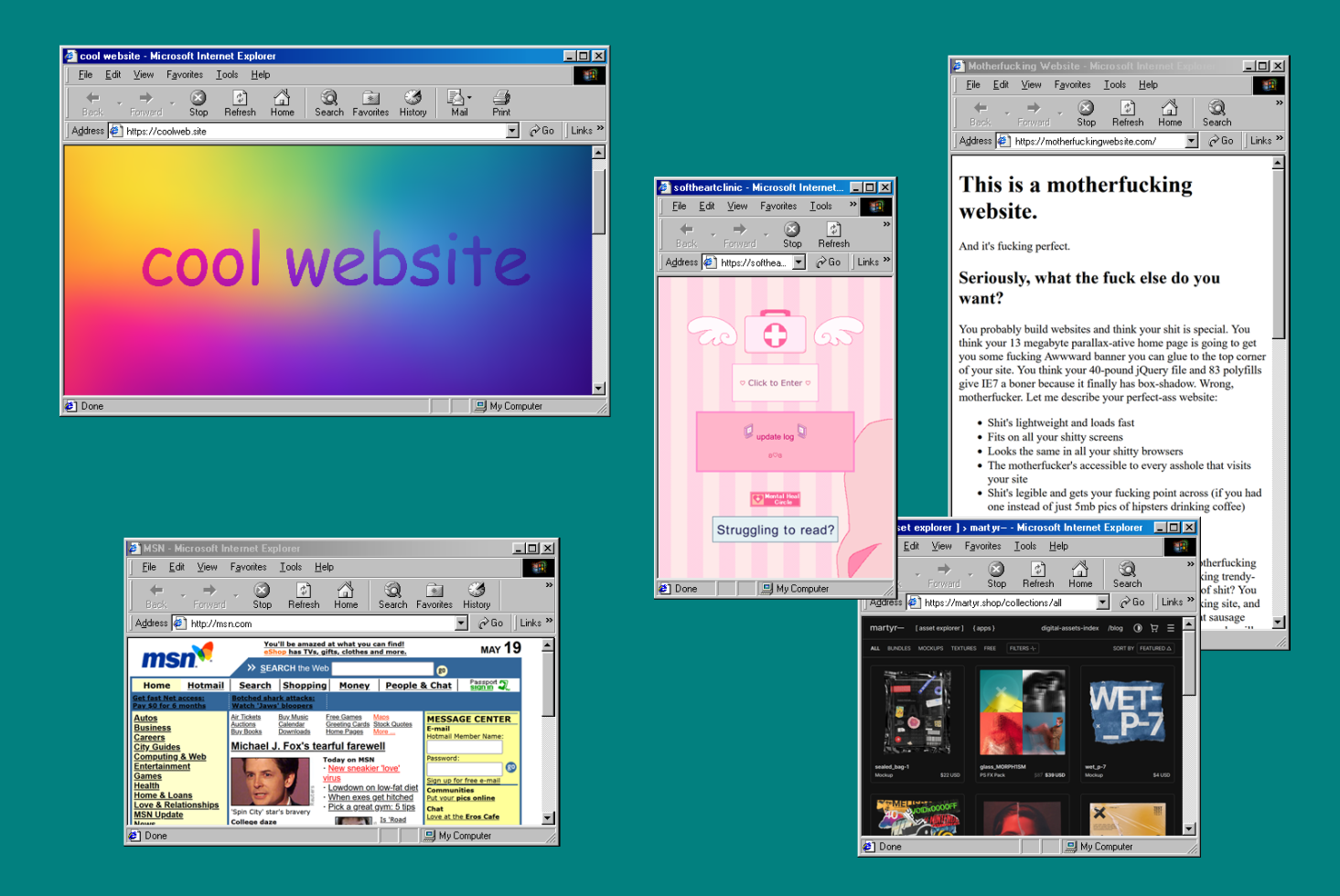
Multiple 90s Internet Explorer windows showing gradient backgrounds, pink design portal, MSN homepage
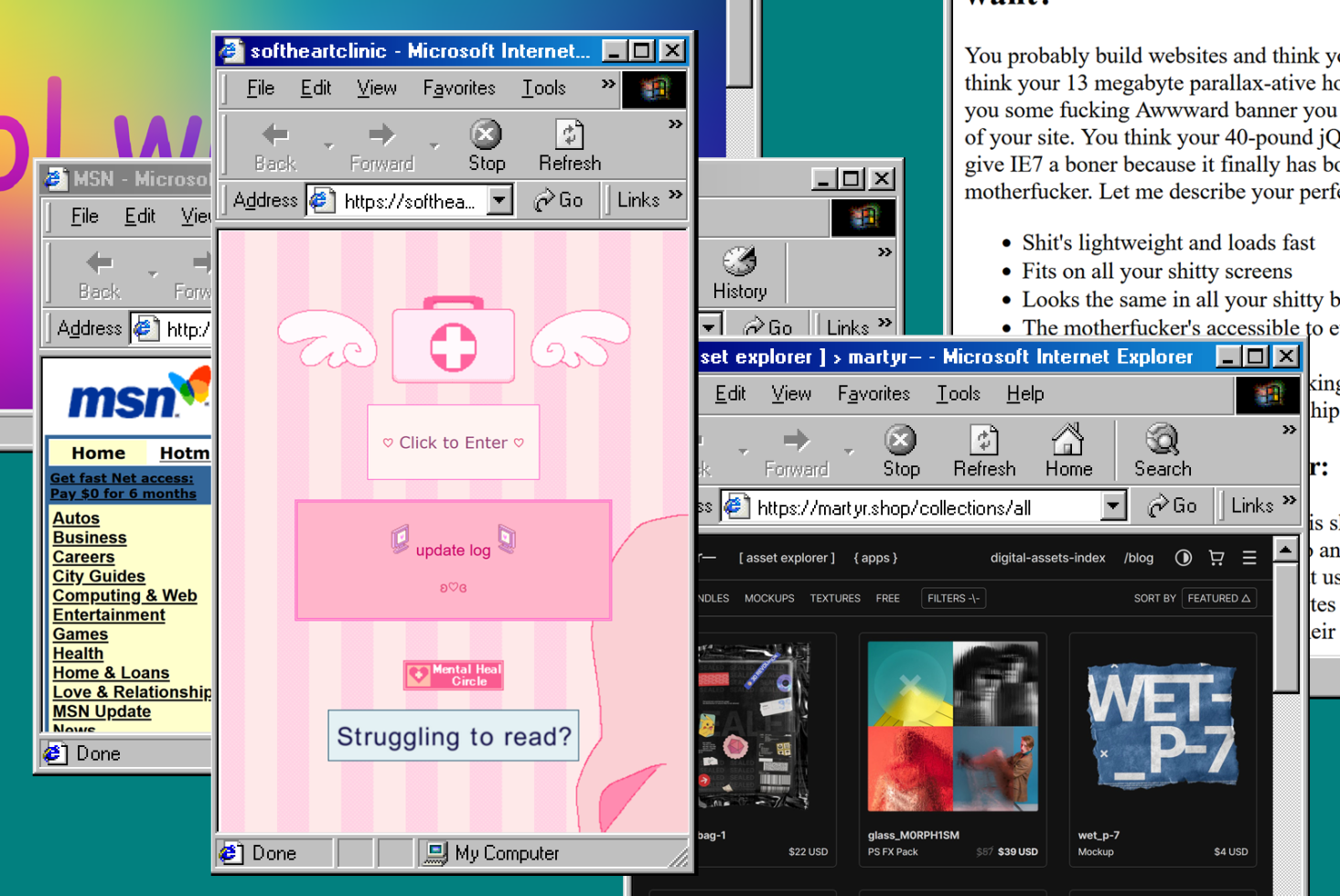
Nostalgic 90s browser windows with pink medical aesthetic, winged icons, nested explorer tabs
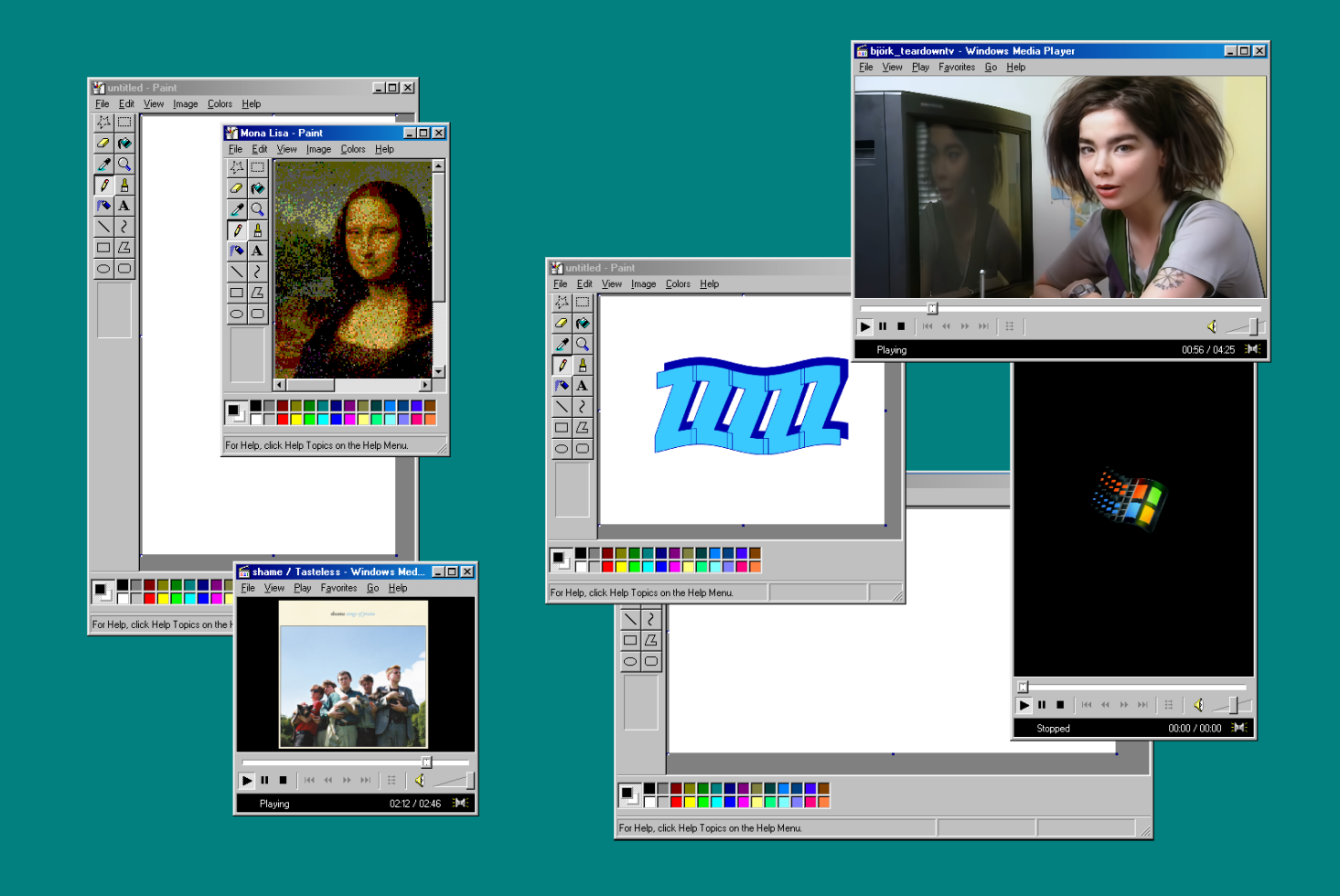
Stacked vintage browser windows showing Mona Lisa pixelated art, video player, blue 3D text
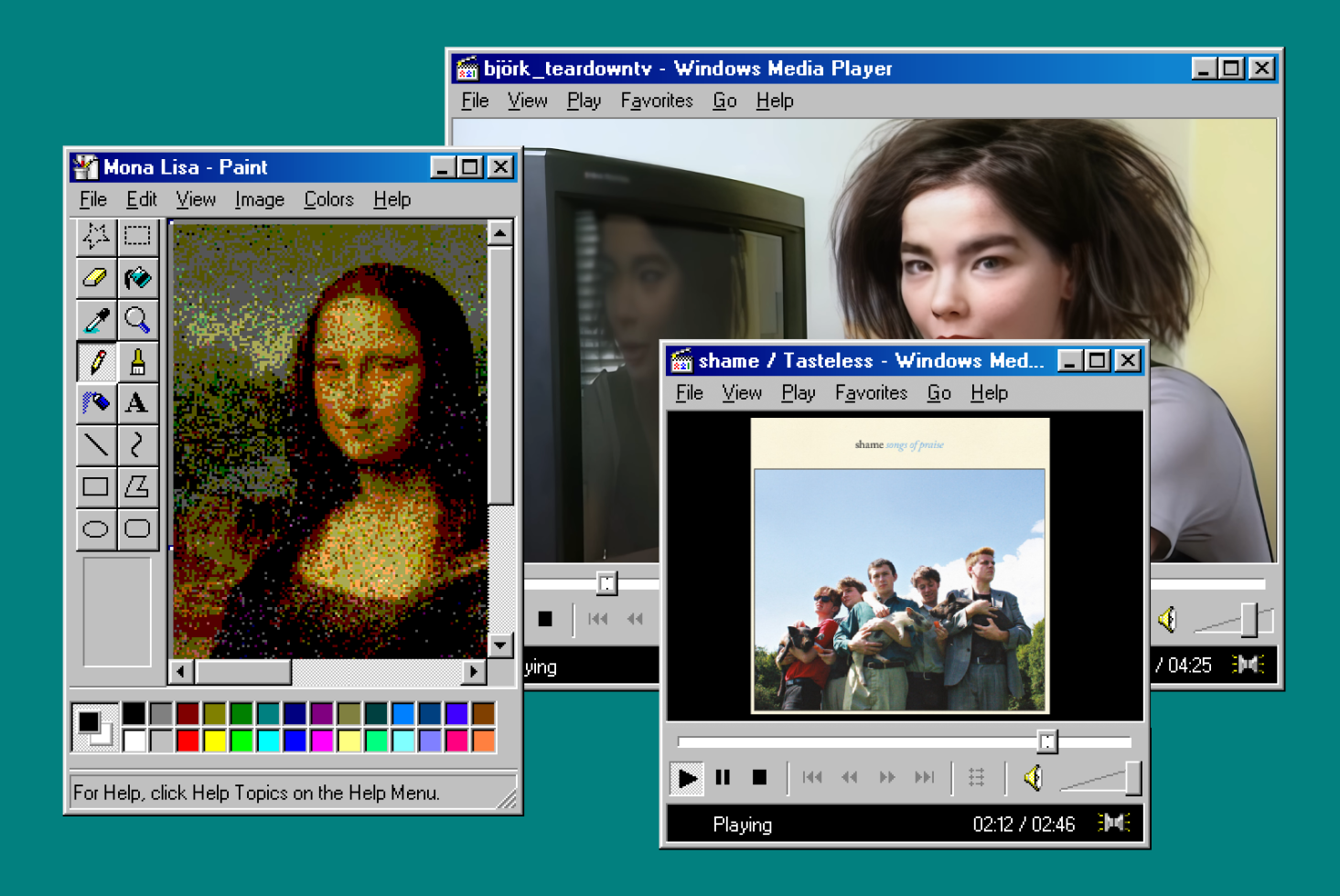
Layered Windows 98 application windows with Paint, Media Player, retro UI on teal backdrop
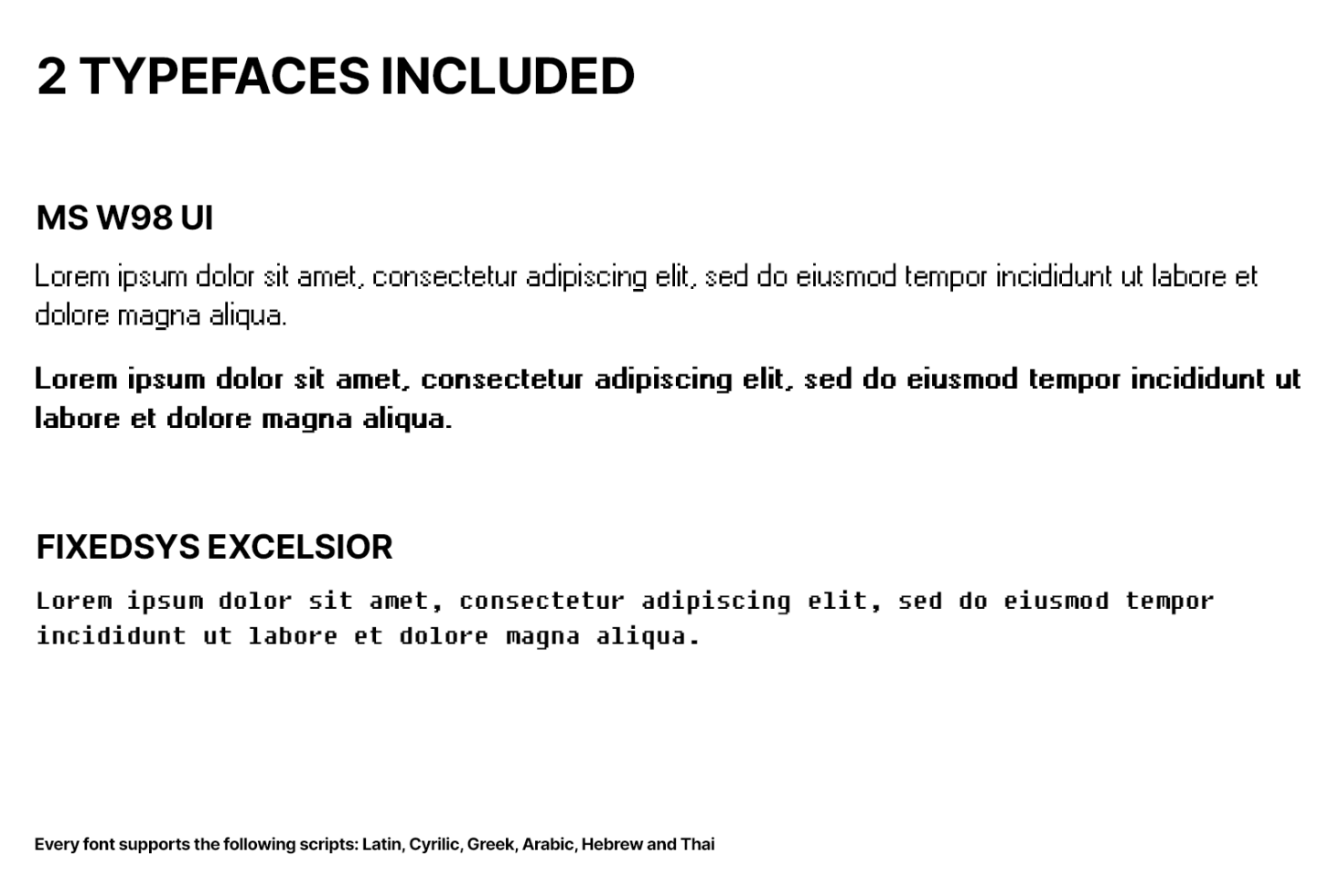
Font specimen sheet displaying MS W98 UI regular with bold weights, supports multiple scripts
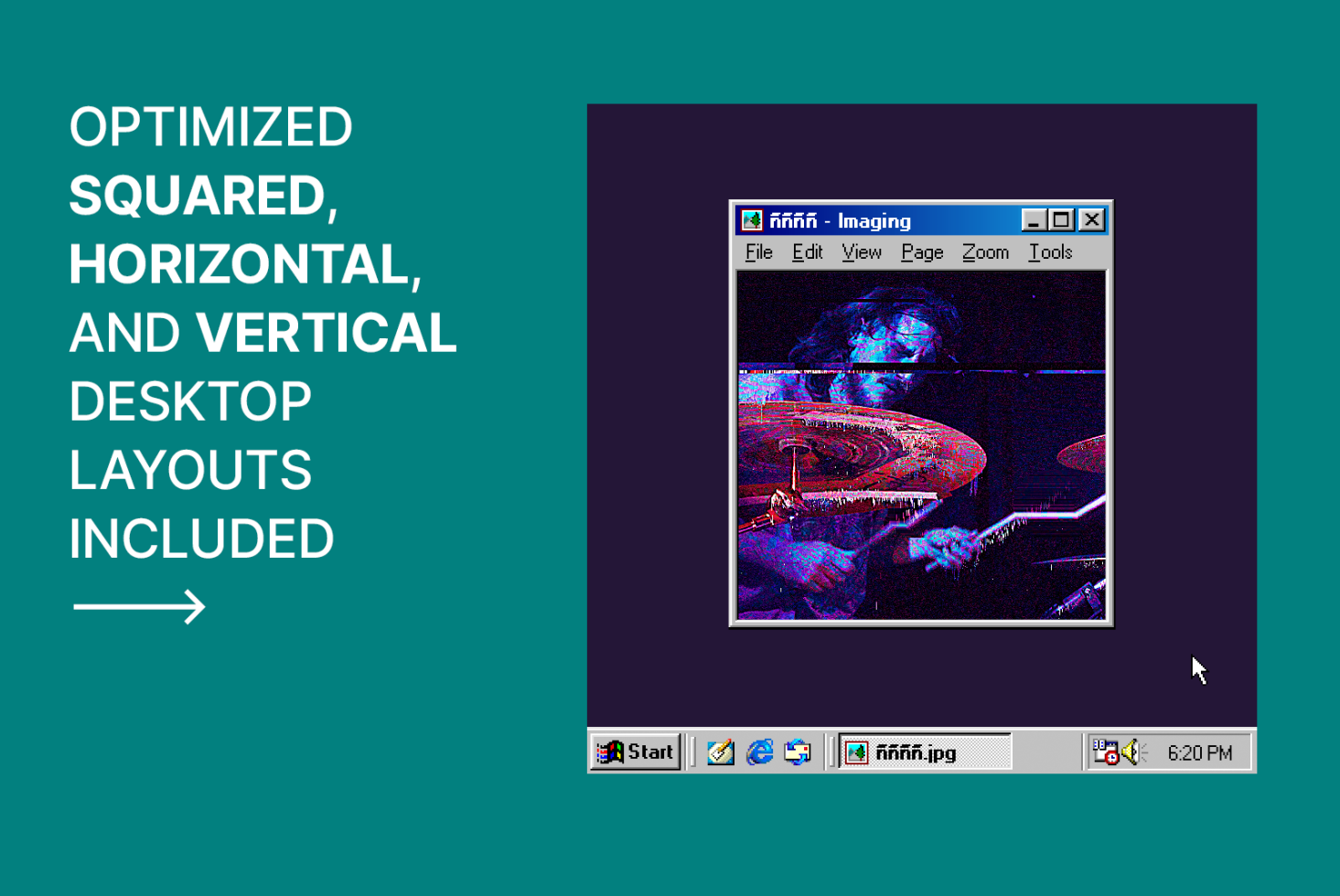
Retro Windows PC with glitchy image viewer showing pixelated art on teal background
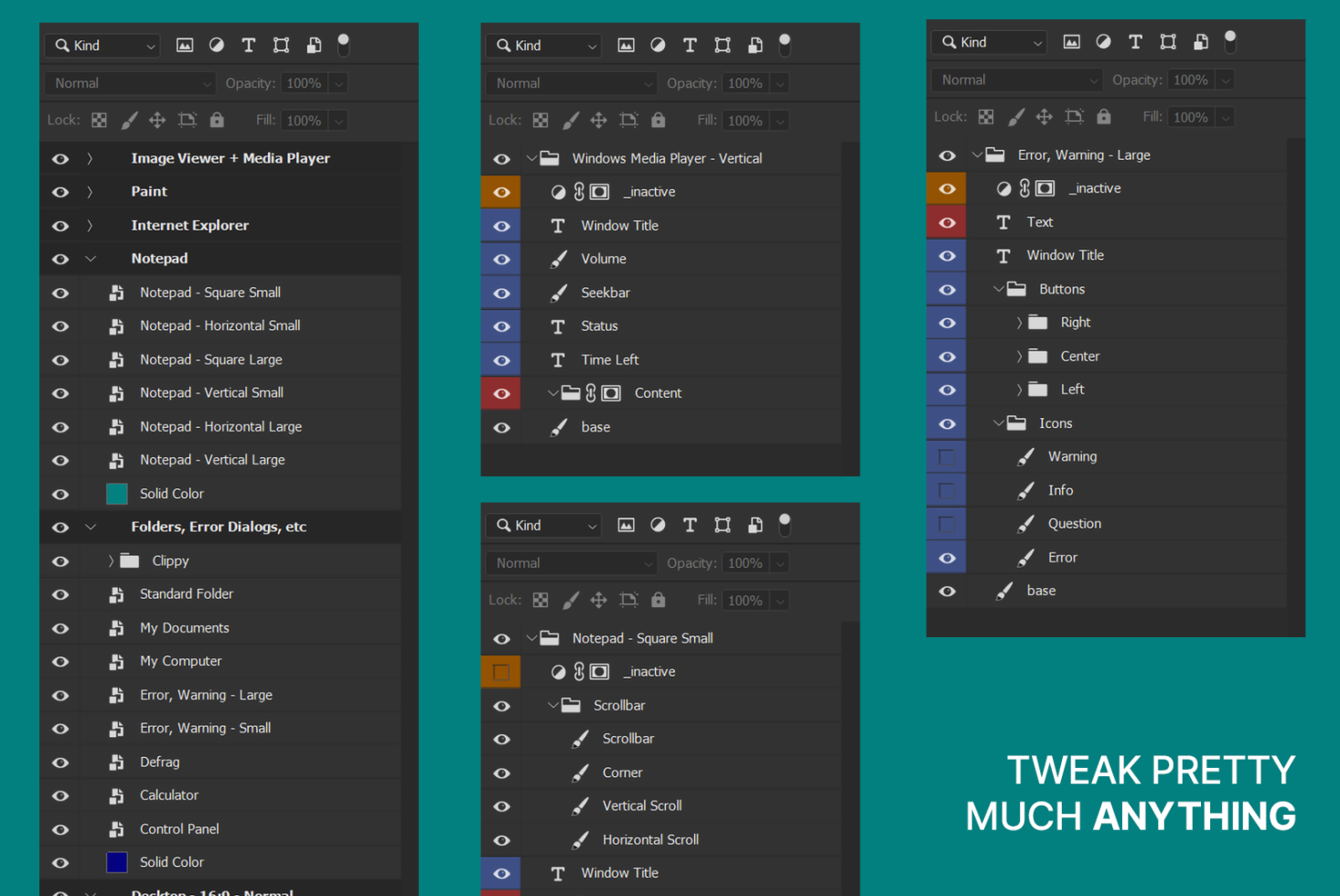
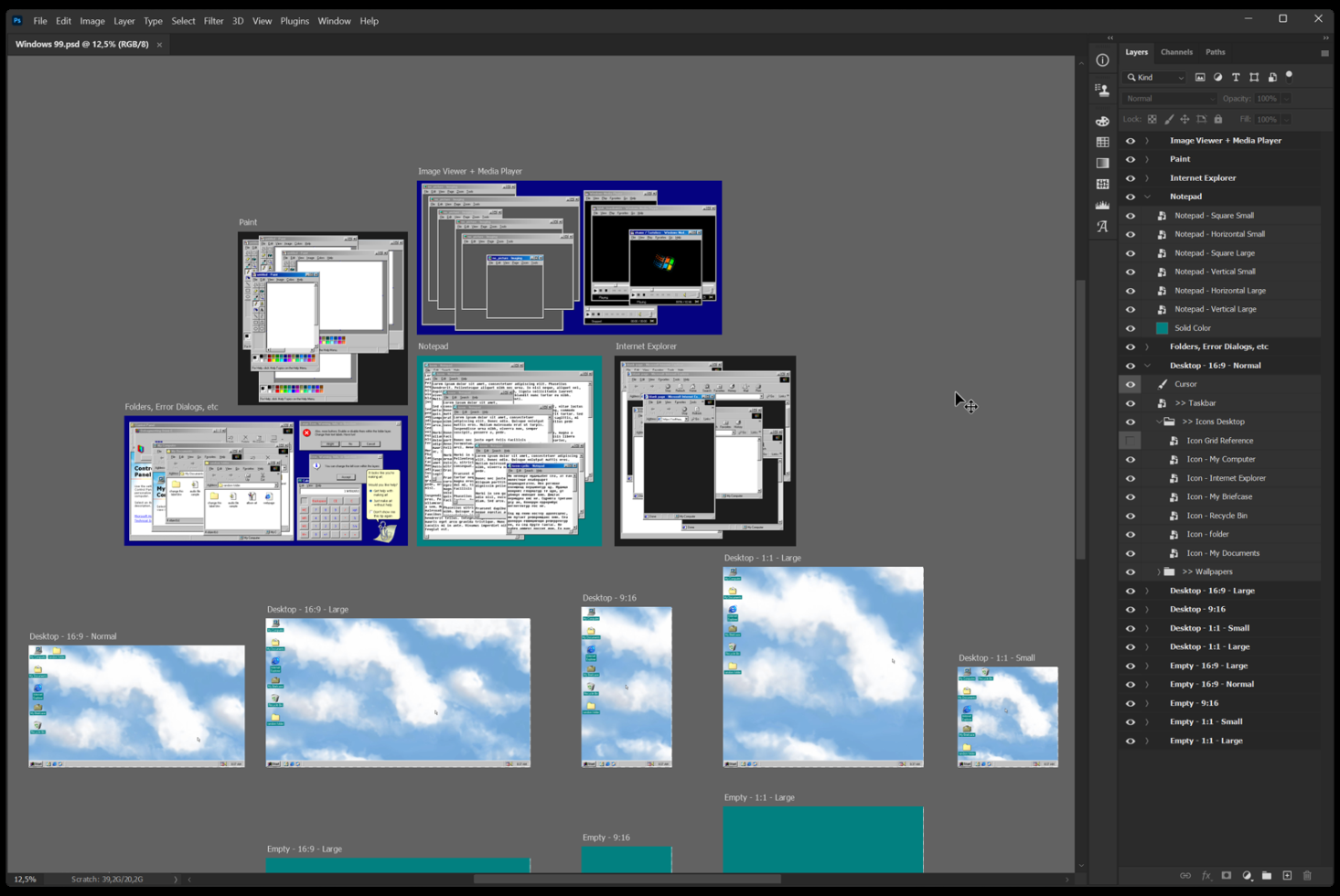
Photoshop layers panel displaying Windows 95 UI component library organized
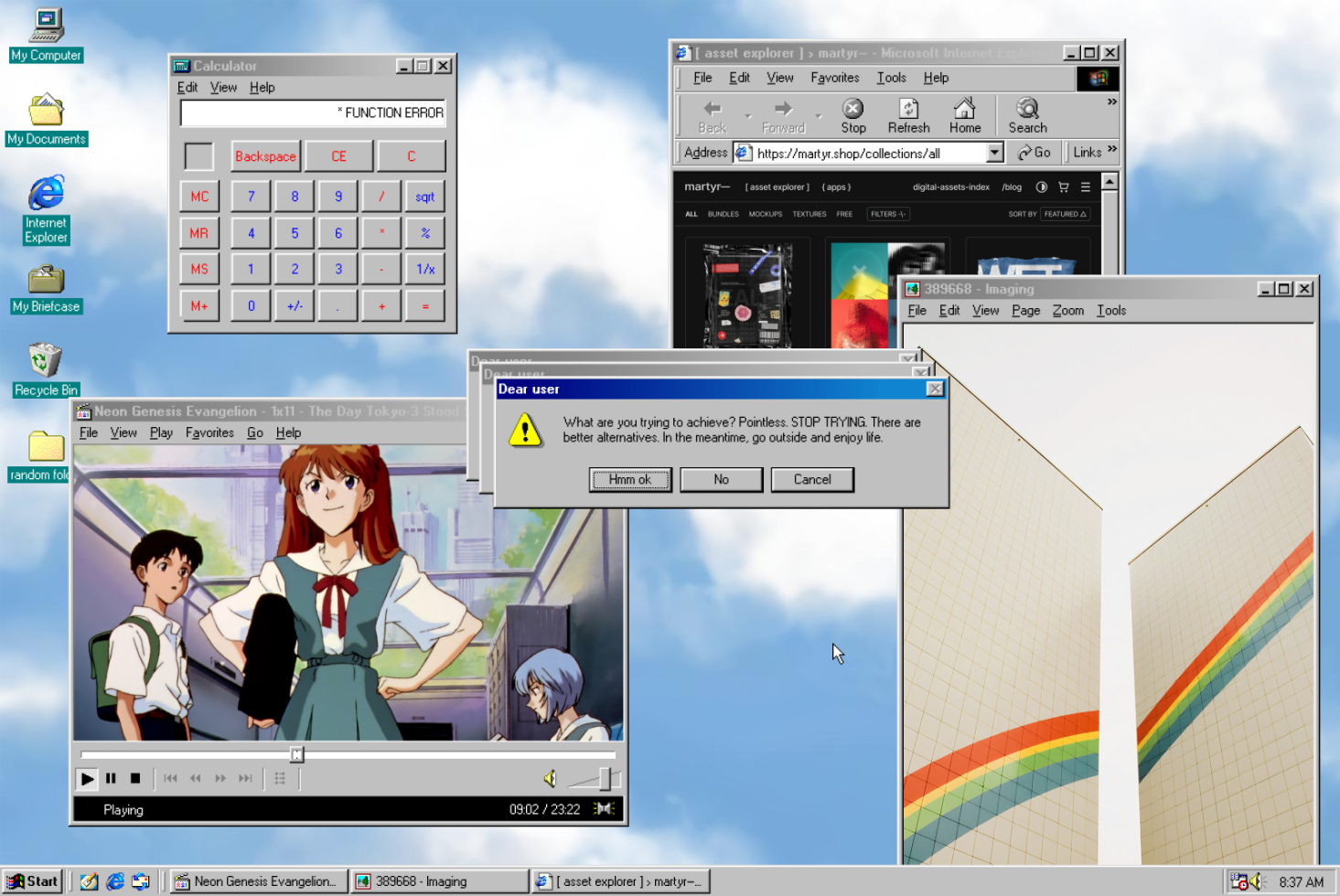
Windows 95 nostalgic scene with calculator, browser, anime video player open
Windows 95 desktop showing folder, defrag utility, engraving image viewer
Windows 95 desktop mockup with Explorer, Notepad, gradient website open
Photoshop window showing Windows 95 desktop UI elements mockup collection

Windows 99

Created by martyr

Select license

For individuals or design teams up to 3 seats
For individuals or design teams up to 12 seats
For individuals or design teams up to 40 seats

Read more about licenses here

Windows 99 is a Photoshop mockup. A nostalgic one.
My childhood is there. And probably yours too.

// Main Features

• Each window and UI component ..is organized in Smart Objects and Artboards. Easy to understand. Fast to work with.
• The original typefaces used by Microsoft Windows
• Any window titlebar can be set to to active or inactive, like Windows!
• Nearly any text can be edited
• Move the windows and UI components wherever you like
• High resolution
• Pixel perfect typefaces and UI
• Includes a handy, in-house quickguide

→ Original Typefaces

Two families of fonts have been crafted for it:

• MS W98 UI
• Fixedsys Excelsior

These were the typefaces used by Microsoft in their operative system, making this mockup even more true to the original aesthetics Also available as free downloads here → https://martyr.shop/collections/fonts.

// Detailed features

Each window and UI component has their own set of features. Some windows include different sizes, as shown in the images.

## Windows

• Notepad — 6 sizes. Scrollbars and text
• My Documents and Standard Folder — Files and icons
• "Error, warning" dialogs — 2 sizes. Buttons, text, icons
• Clippy — 2 variations. No text and custom editable text
• Internet Explorer — 5 sizes. Scrollbars, webpage, URL bar
• Calculator — Calculation text
• Image viewer — 6 sizes. Artwork change
• Windows Media Player — 3 sizes. Artwork change, volume, status, time, seekbar position
• Paint — 4 sizes. Artwork change

## UI components

• Desktop — background and icons
• Taskbar — Open apps and system time
• Start Menu — 2 variations. Username change.
• Cursor

## Non editable windows

These windows exist just for aesthetic reasons. They don't include editable elements:
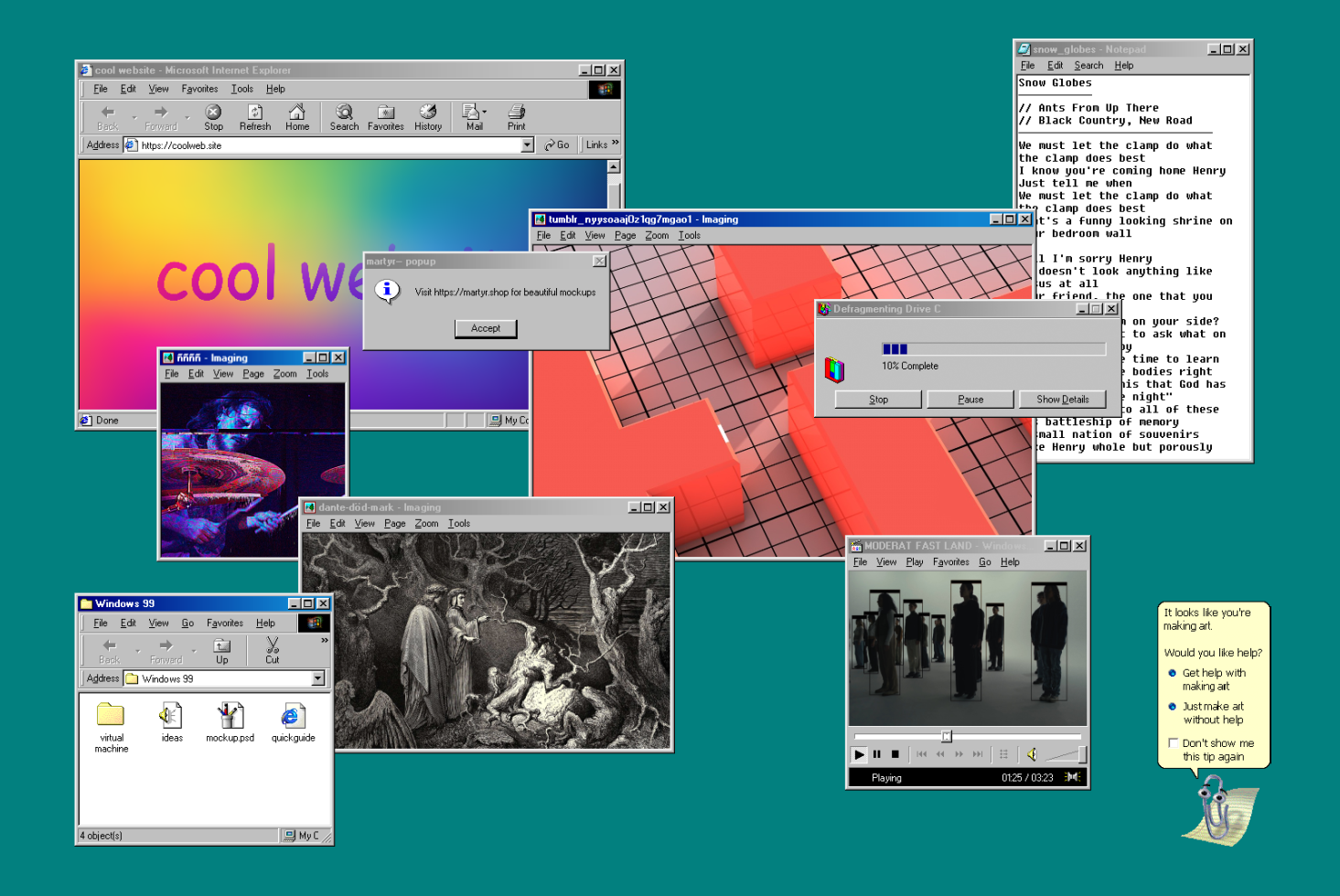
• My Computer
• Defragment Drive
• Control Panel

Read more

Creator

martyr

Experimental digital assets for visual creatives. Details matter. Web // Instagram

View shop

More

You might like

More

Discover

Cart

Subtotal

$0

1
2
3
4
5
6
7
8