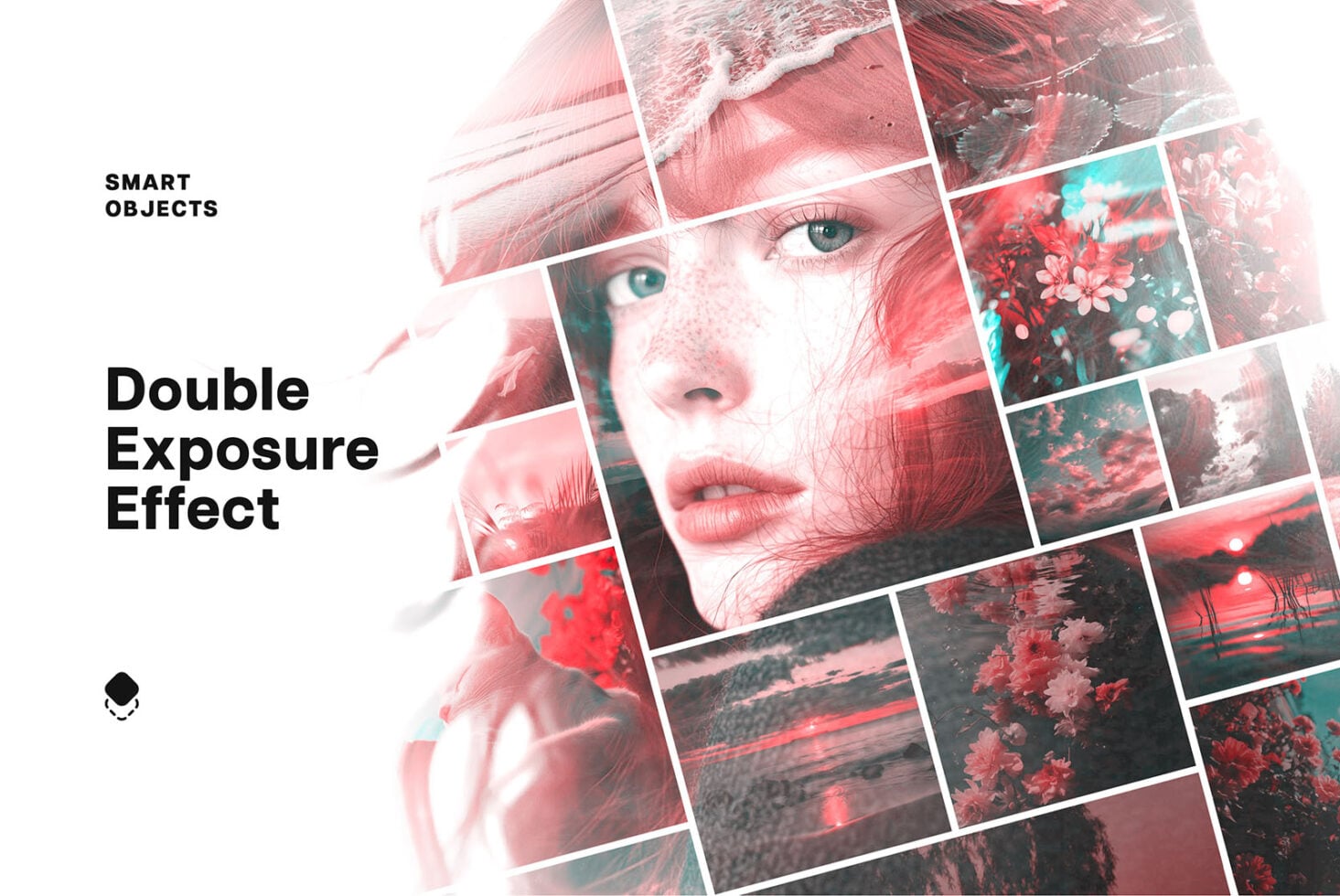
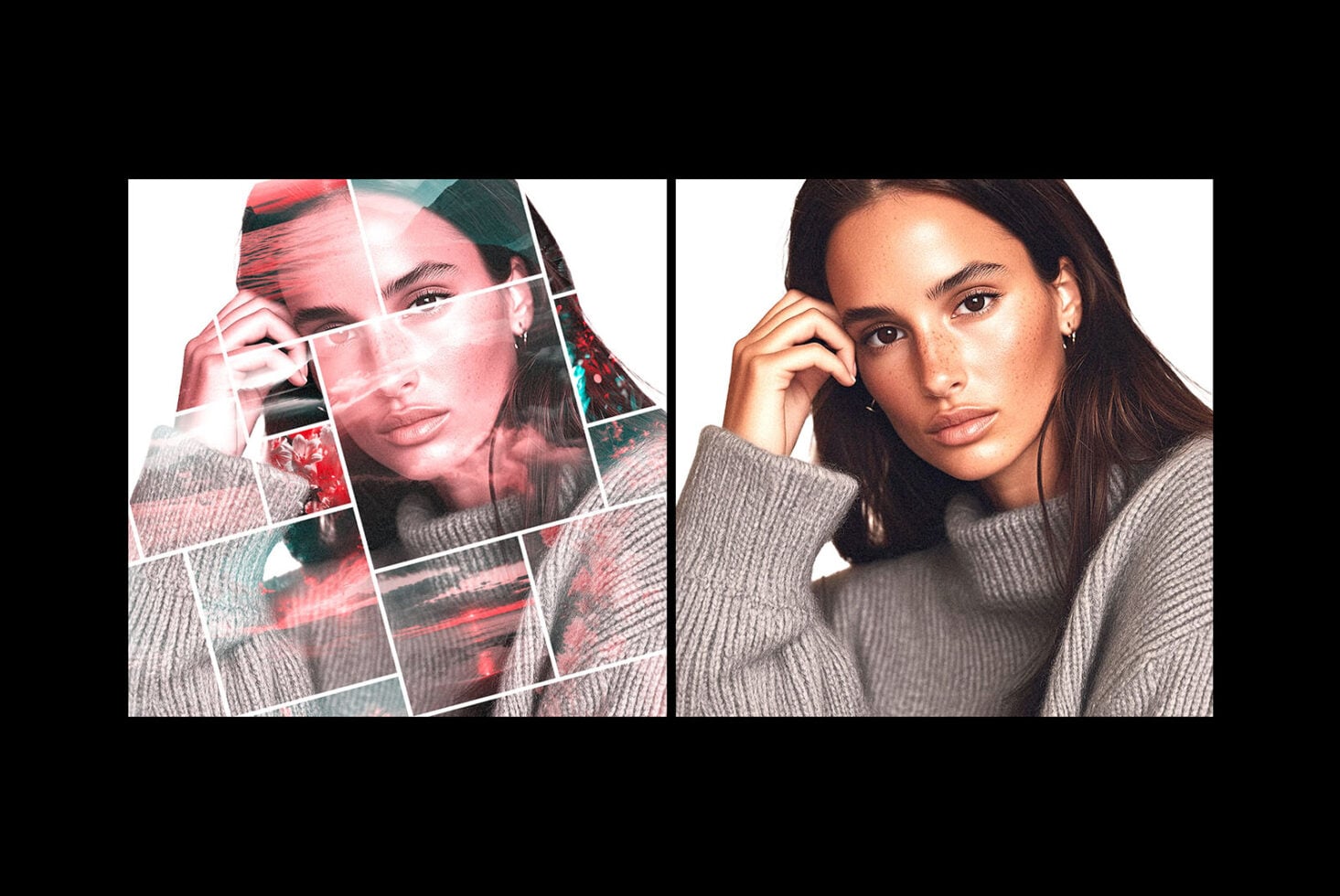
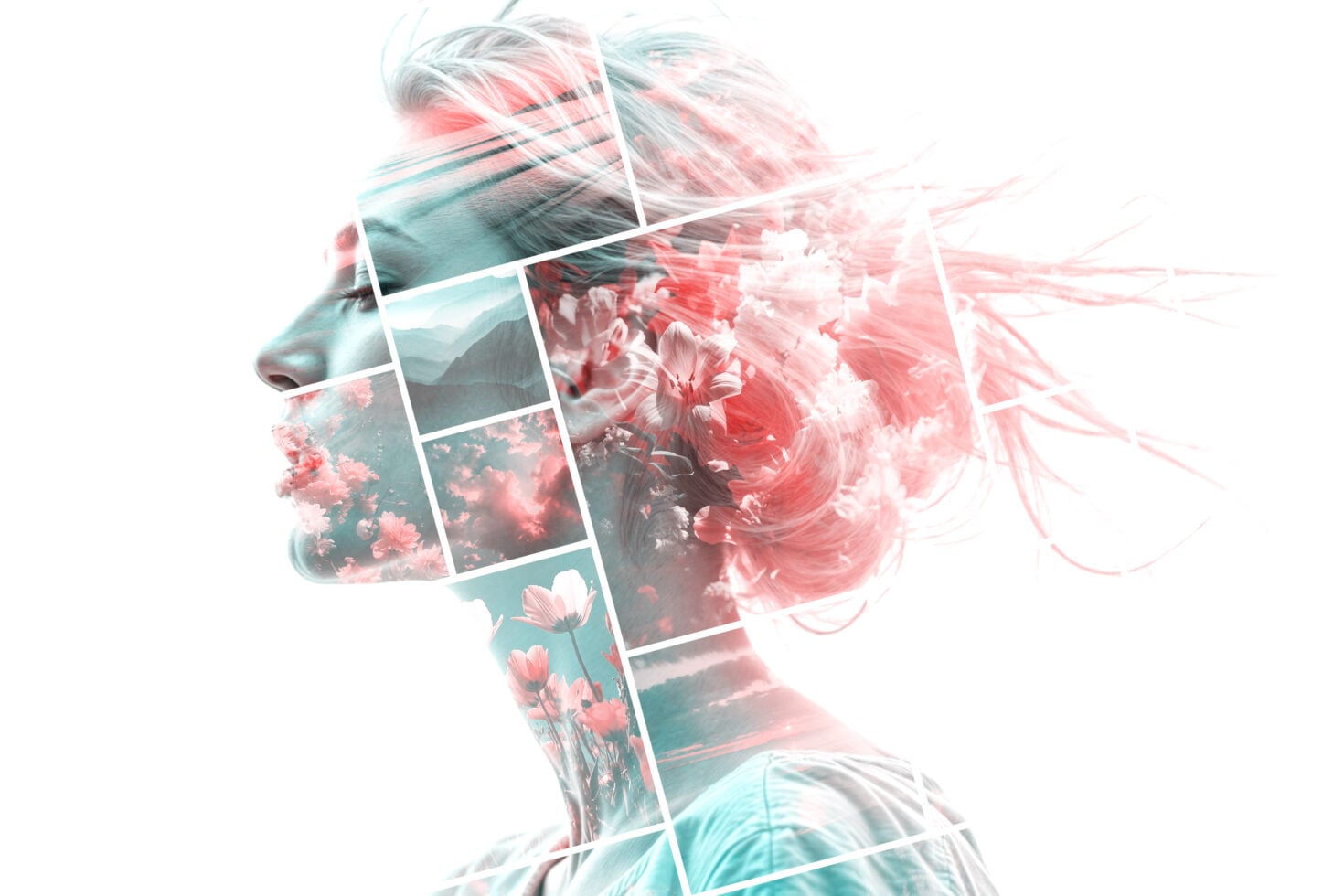
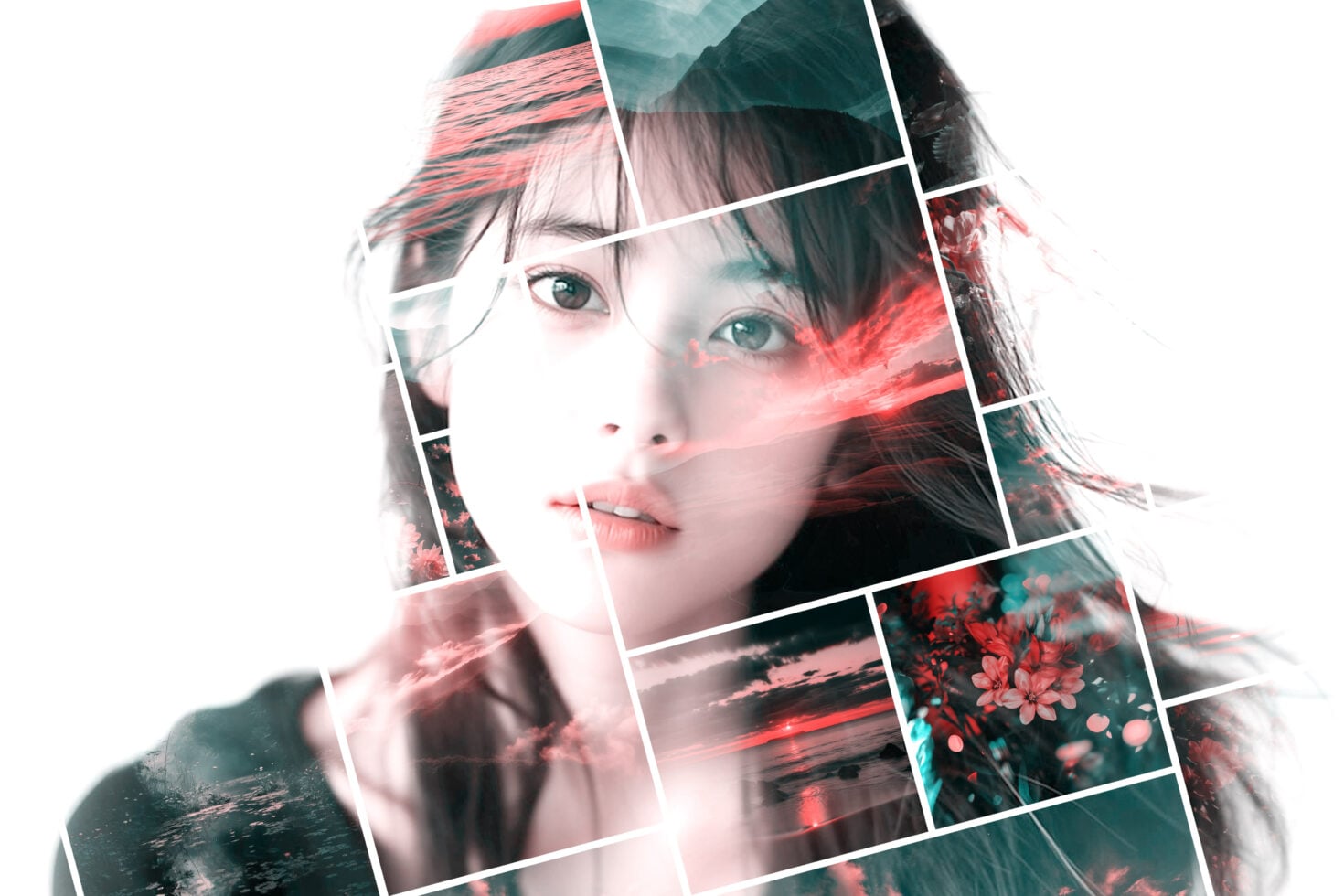
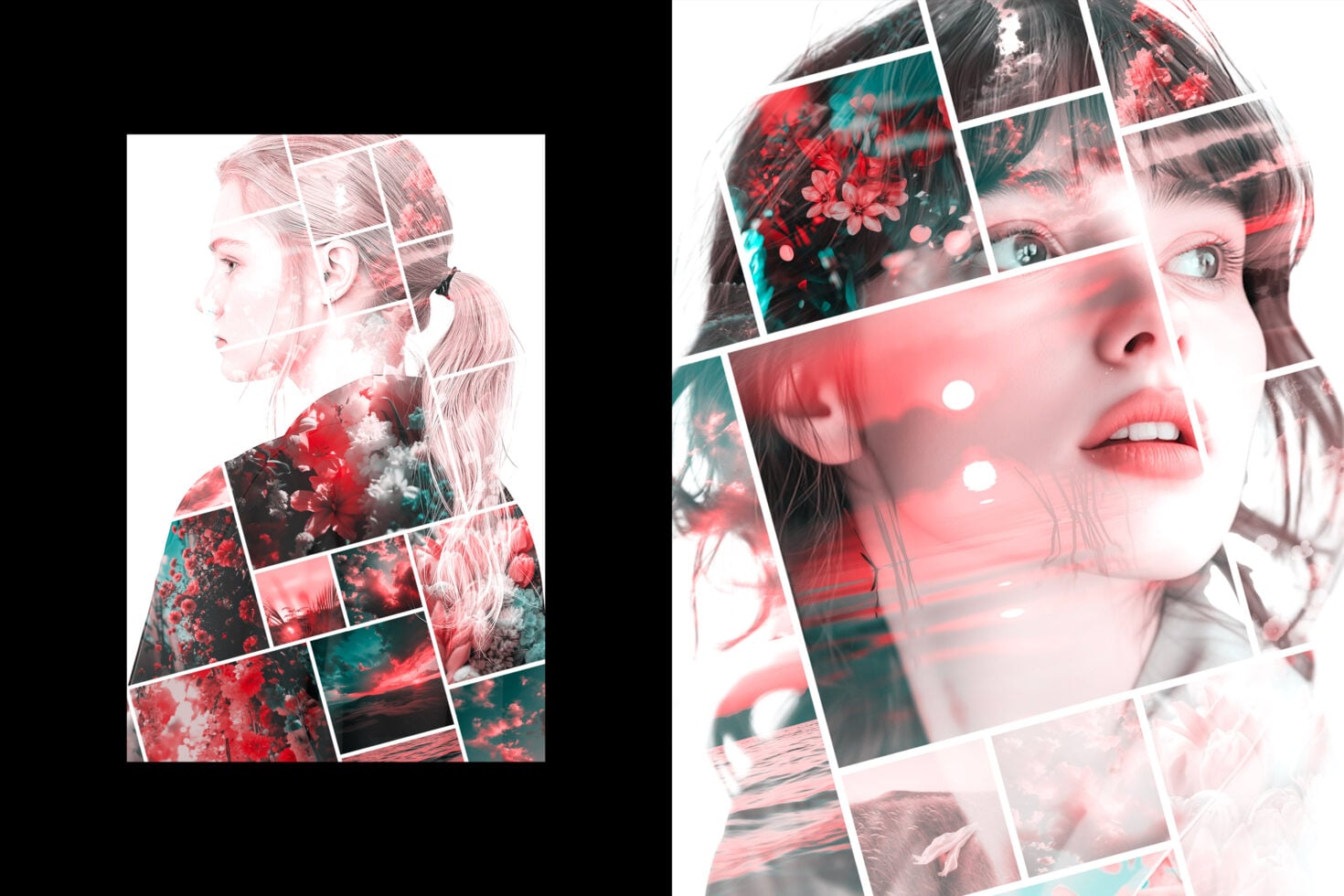
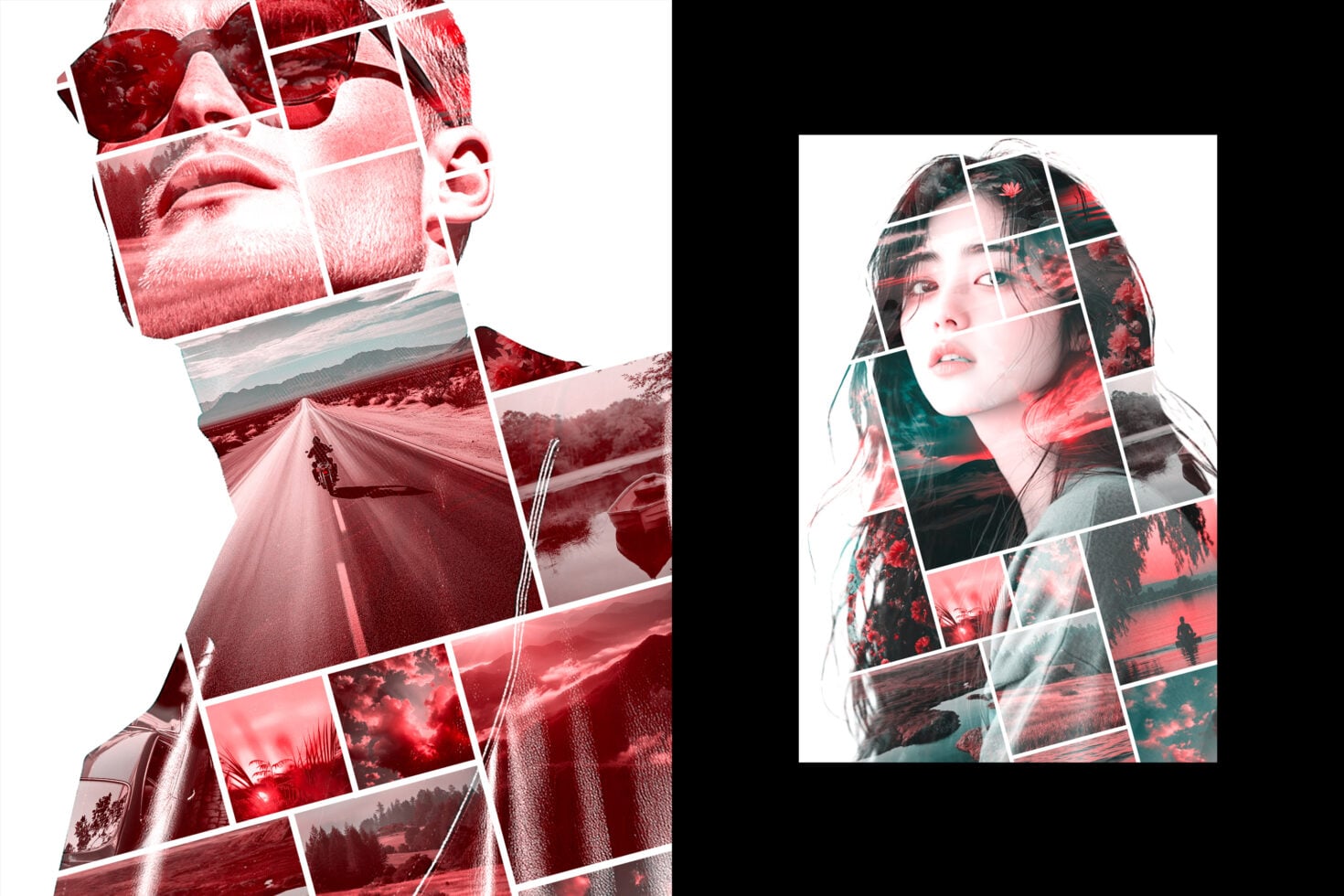
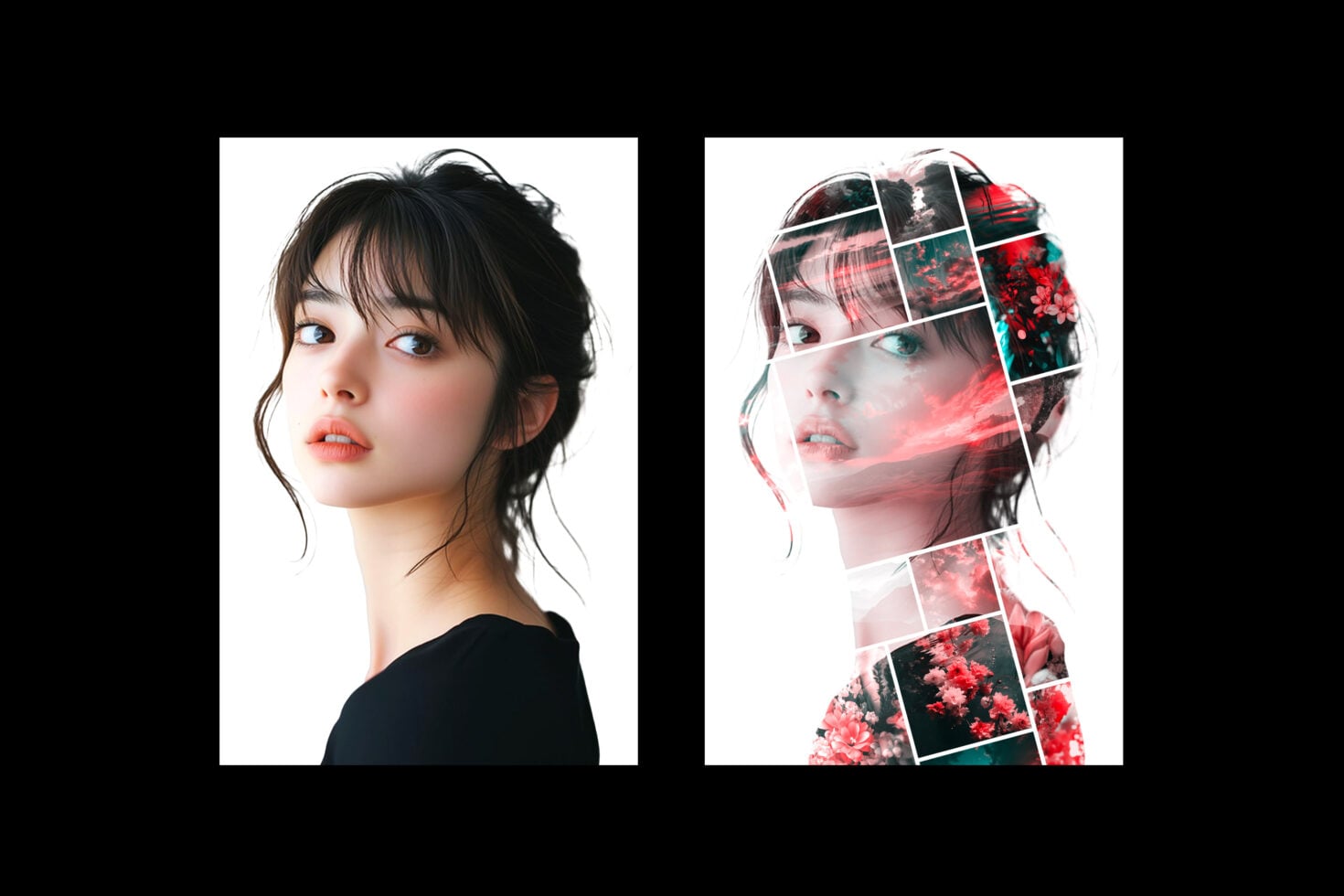
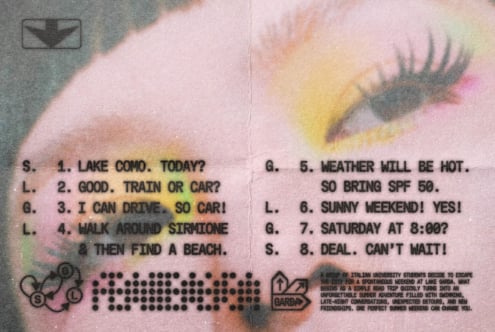
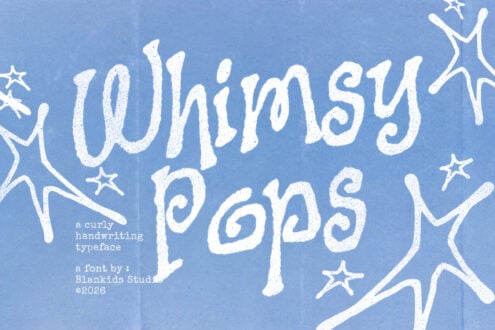
Carry out mesmerizing, high-quality images and photography in a couple of clicks! This photo effect comprises Smart Object layers, providing complete customization, ease, and..versatility of a working process. Simply open the required layer by double-clicking its thumbnail, delete the placeholder shot, add your graphics, save it and watch the design magic happening in your Photoshop artboard. Don’t forget to toggle some adjustment features, adding the last touches to the composition.
Please make sure each license is correct for your team size and usage.
By continuing to Checkout, you confirm that your licenses are selected appropriately.
Standard — for individuals or design teams up to 3 seats. Personal and commercial projects; printed and digital designs. No paid advertising. No embedding in apps or games. End-product sales up to 10k instances.
Commercial — for individuals or design teams up to 12 seats. Personal and commercial projects, including paid advertising. No embedding in apps or games. End-product sales up to 100k instances.
Commercial+ — for individuals or design teams up to 40 seats. Personal and commercial projects, paid advertising, and embedding in desktop & mobile apps. End-product sales up to 250k instances.
Corporate — need more than Commercial+? Contact us.
Desktop — install on computers to create logos, graphics, print, packaging, and signage.
Webfont — self-host on a single website via @font-face.
Advertising — use in TV commercials, promo videos, and paid ad campaigns.
App — embed fonts in a desktop or mobile app.
Trial — internal evaluation only; not for final or public work.