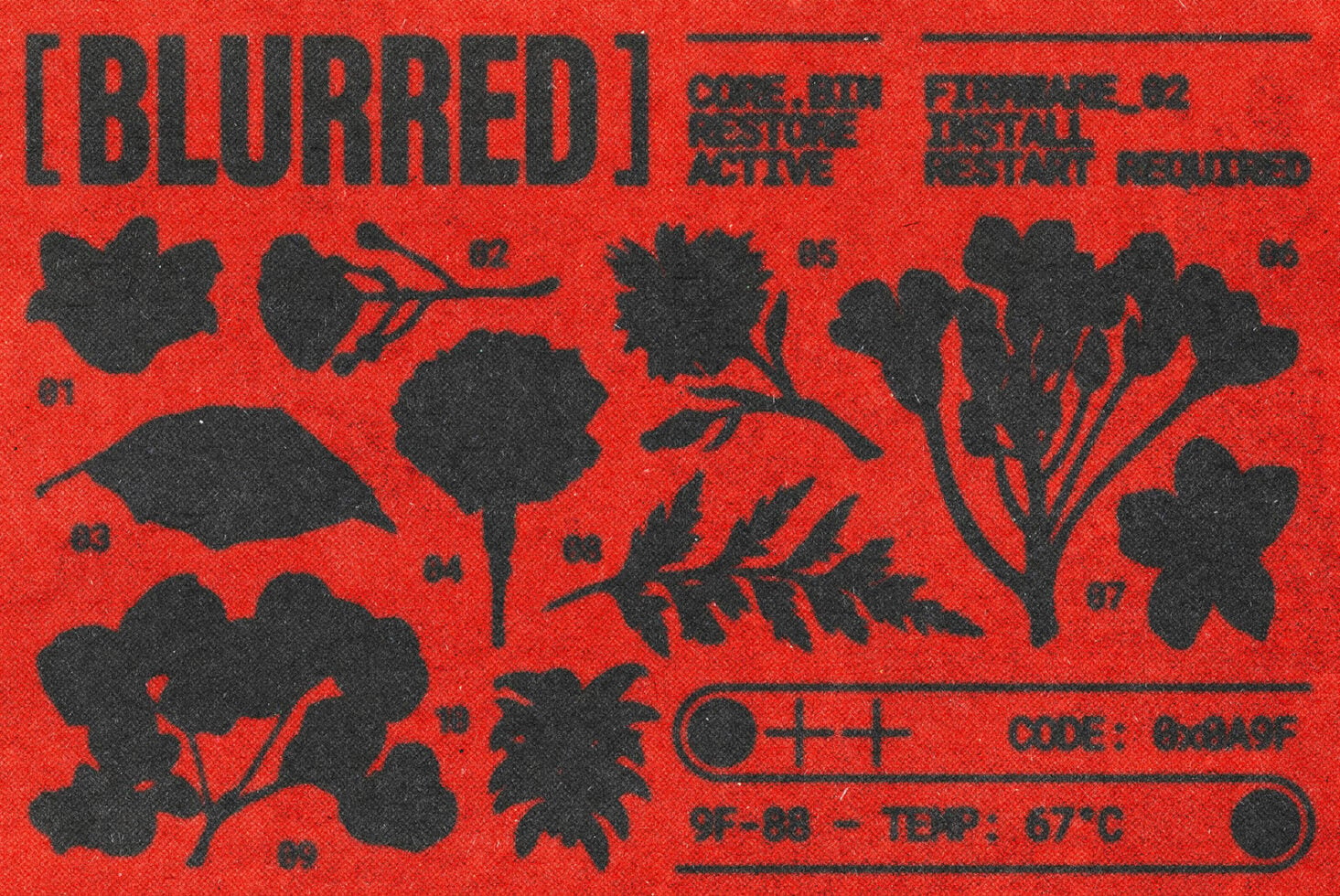
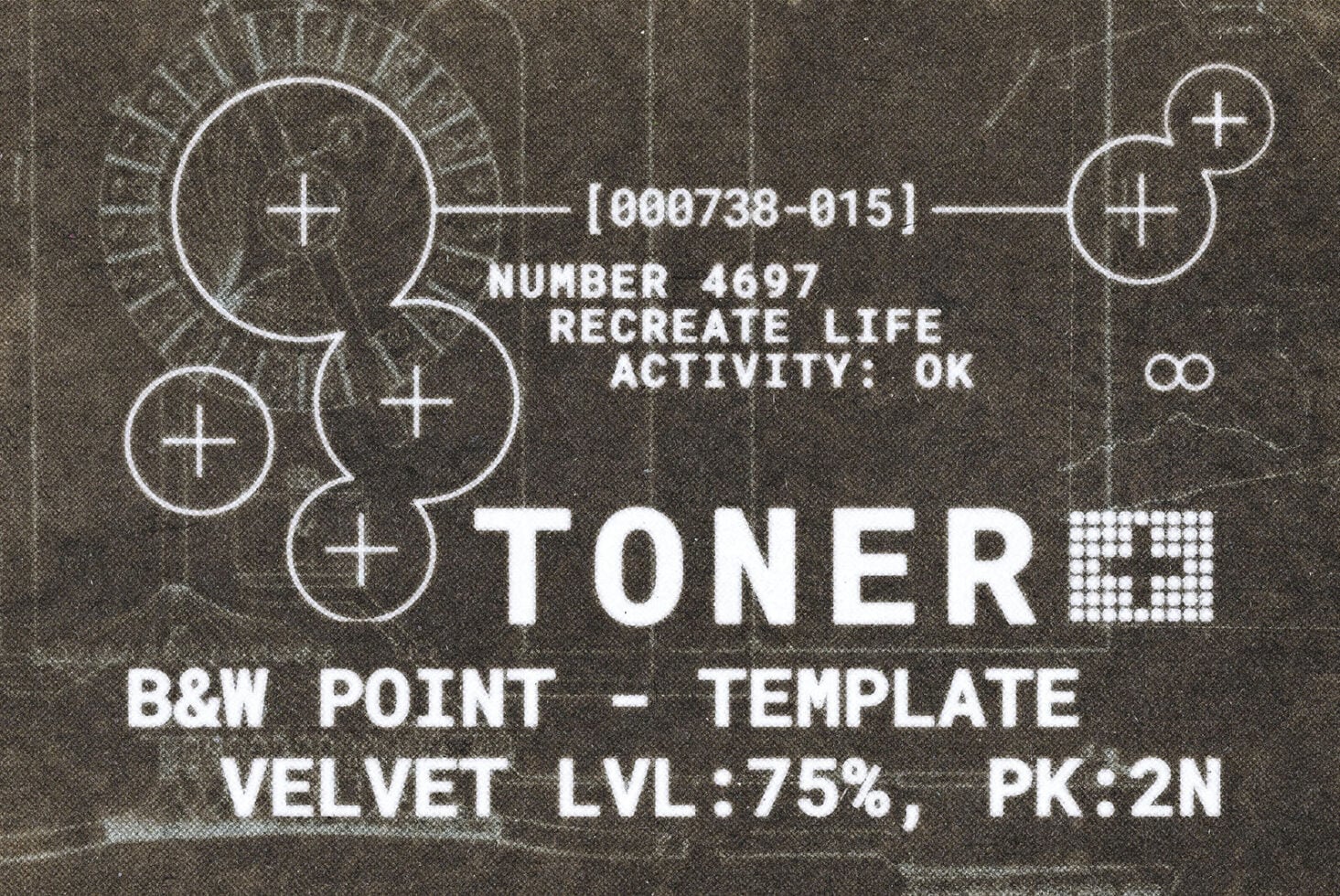
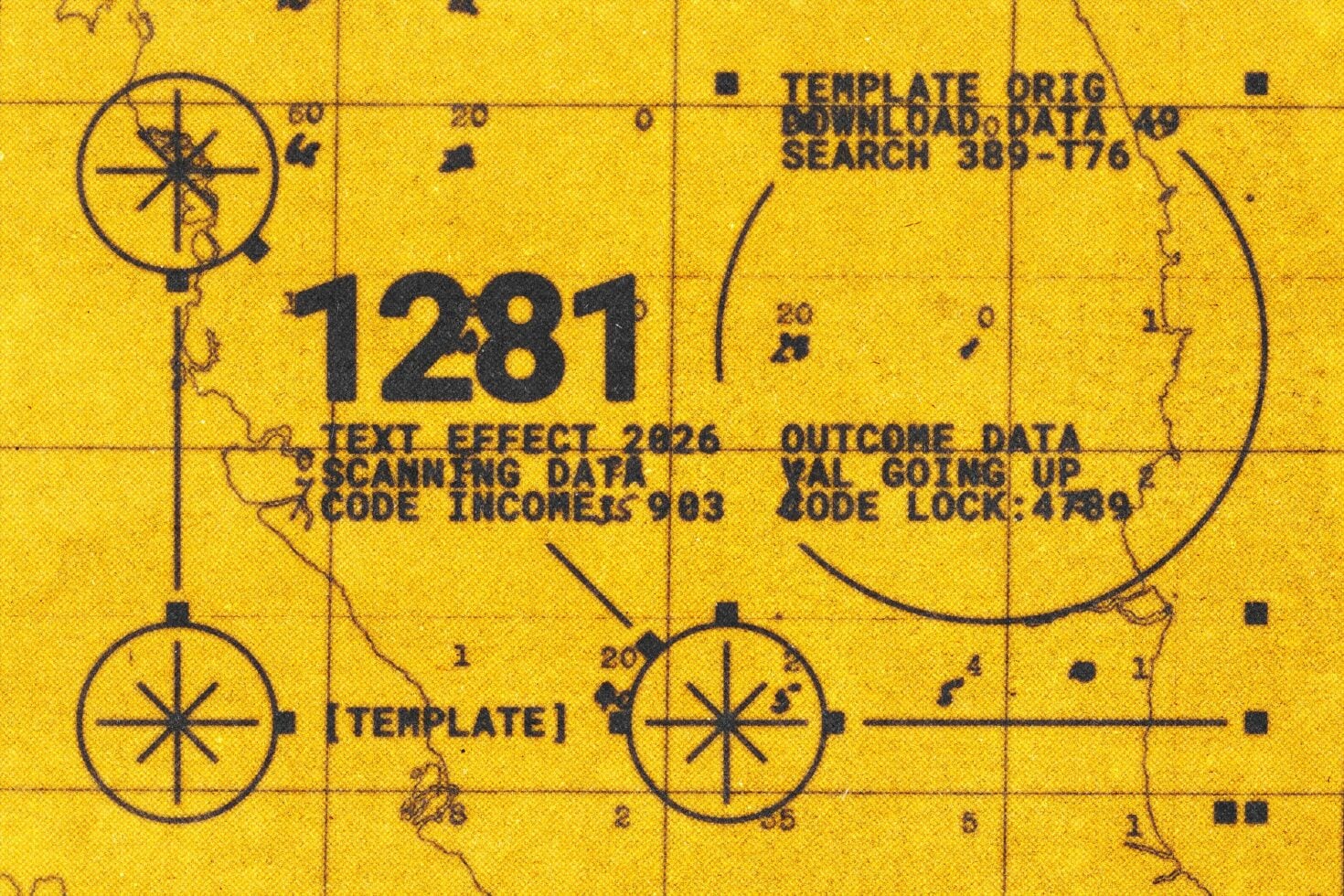
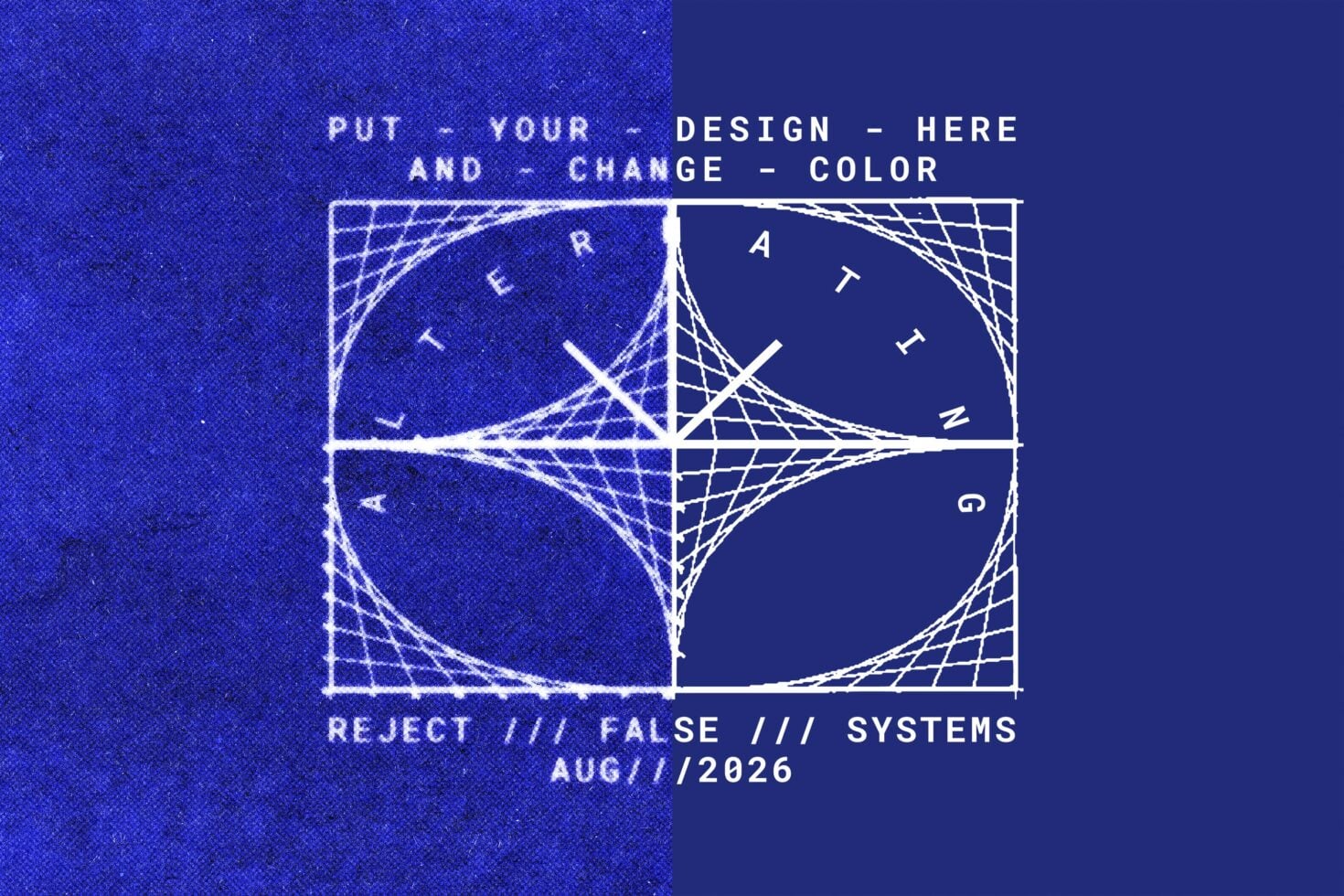
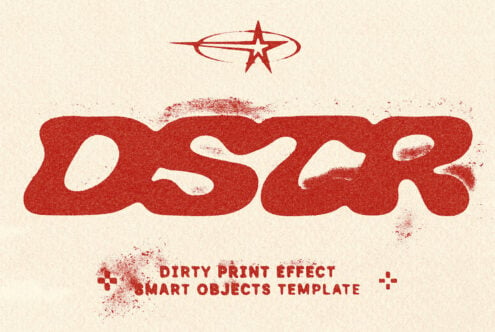
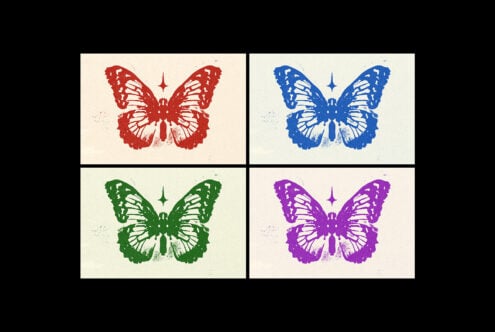
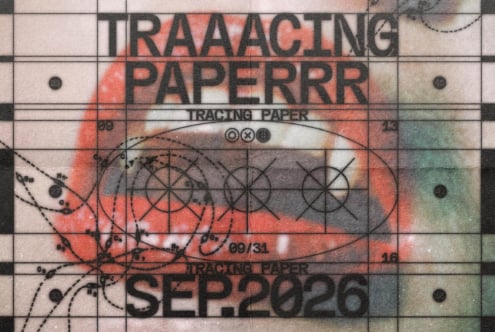
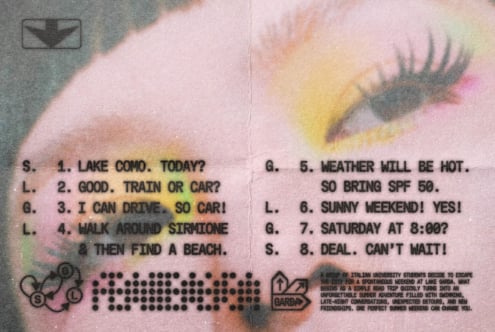
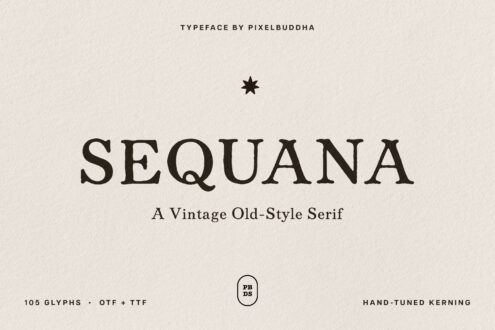
The toner print effect drops the artwork or headline onto textured stock and runs it through a worn photocopier — heavy ink, a soft..blur along the edges, dusty speckle, and light bleed where the toner catches the weave. A Smart Object takes your design, and the ink and paper colors are editable, so one file covers a clean one-color proof or a beaten, over-run print.
Usage: gig posters, zine spreads, album art, streetwear prints, sticker and merch graphics, editorial layouts, type-driven posters, and packaging accents.
Details:
- high-quality PSD file;
- 4500x3000 px, 300 dpi;
- Smart Object for the artwork;
- editable ink and paper colors.
This resource is created for Adobe Photoshop and works best with the latest Creative Cloud version for full Smart Object support.
Creator
Pixelbuddha
We’re Pixelbuddha — a team passionate about creating design assets for the professional community
Please make sure each license is correct for your team size and usage.
By continuing to Checkout, you confirm that your licenses are selected appropriately.
Standard — for individuals or design teams up to 3 seats. Personal and commercial projects; printed and digital designs. No paid advertising. No embedding in apps or games. End-product sales up to 10k instances.
Commercial — for individuals or design teams up to 12 seats. Personal and commercial projects, including paid advertising. No embedding in apps or games. End-product sales up to 100k instances.
Commercial+ — for individuals or design teams up to 40 seats. Personal and commercial projects, paid advertising, and embedding in desktop & mobile apps. End-product sales up to 250k instances.
Corporate — need more than Commercial+? Contact us.
Desktop — install on computers to create logos, graphics, print, packaging, and signage.
Webfont — self-host on a single website via @font-face.
Advertising — use in TV commercials, promo videos, and paid ad campaigns.
App — embed fonts in a desktop or mobile app.
Trial — internal evaluation only; not for final or public work.